
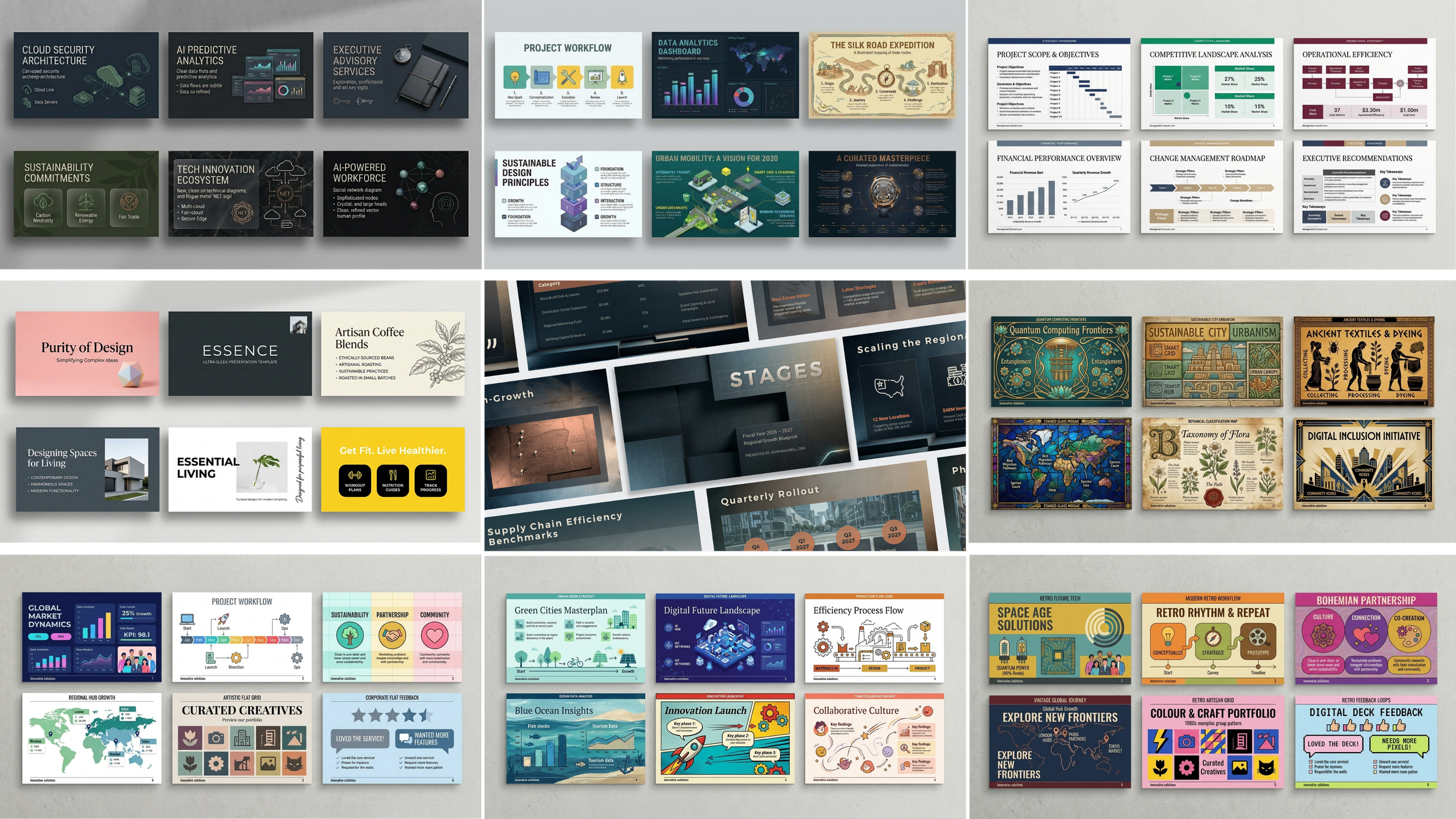
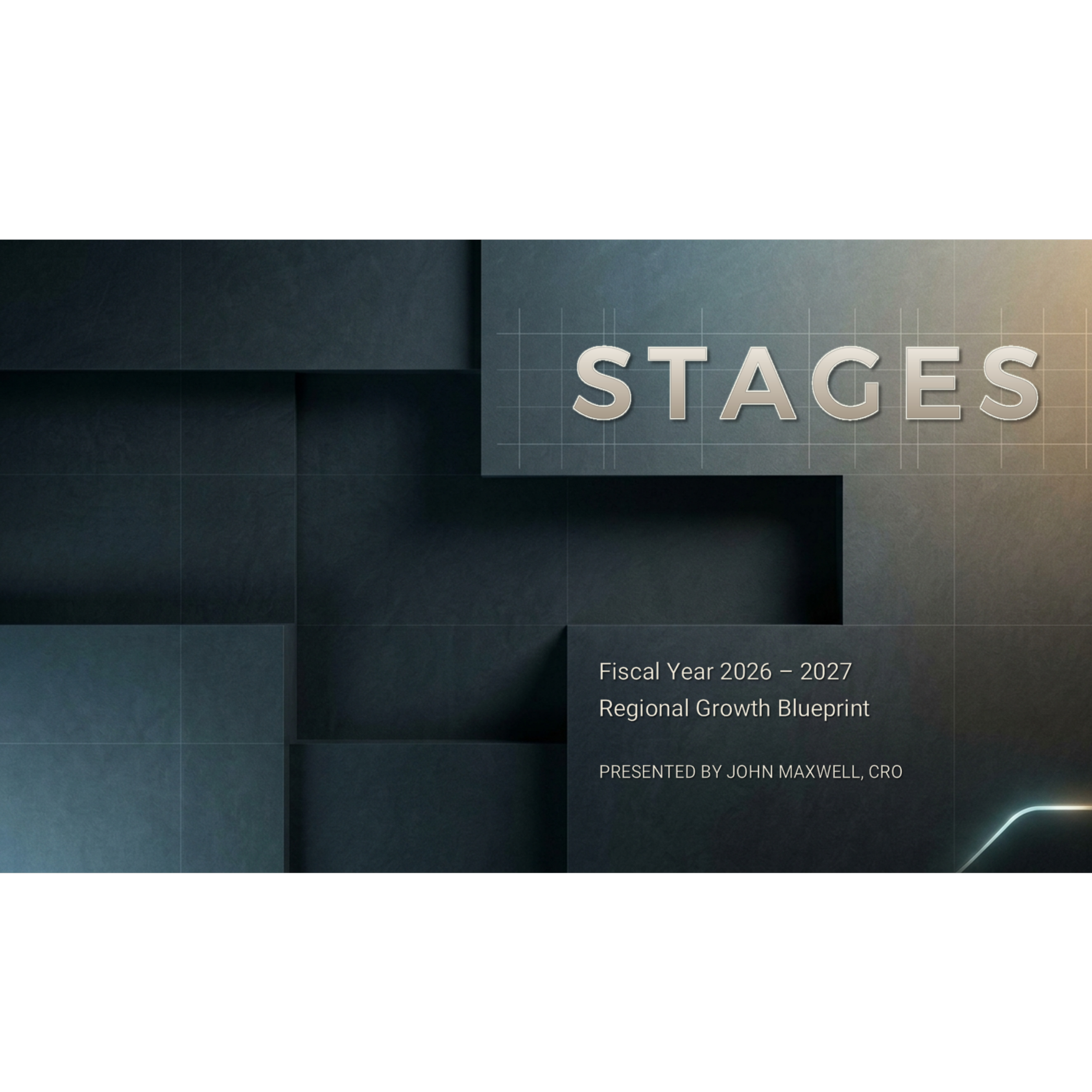
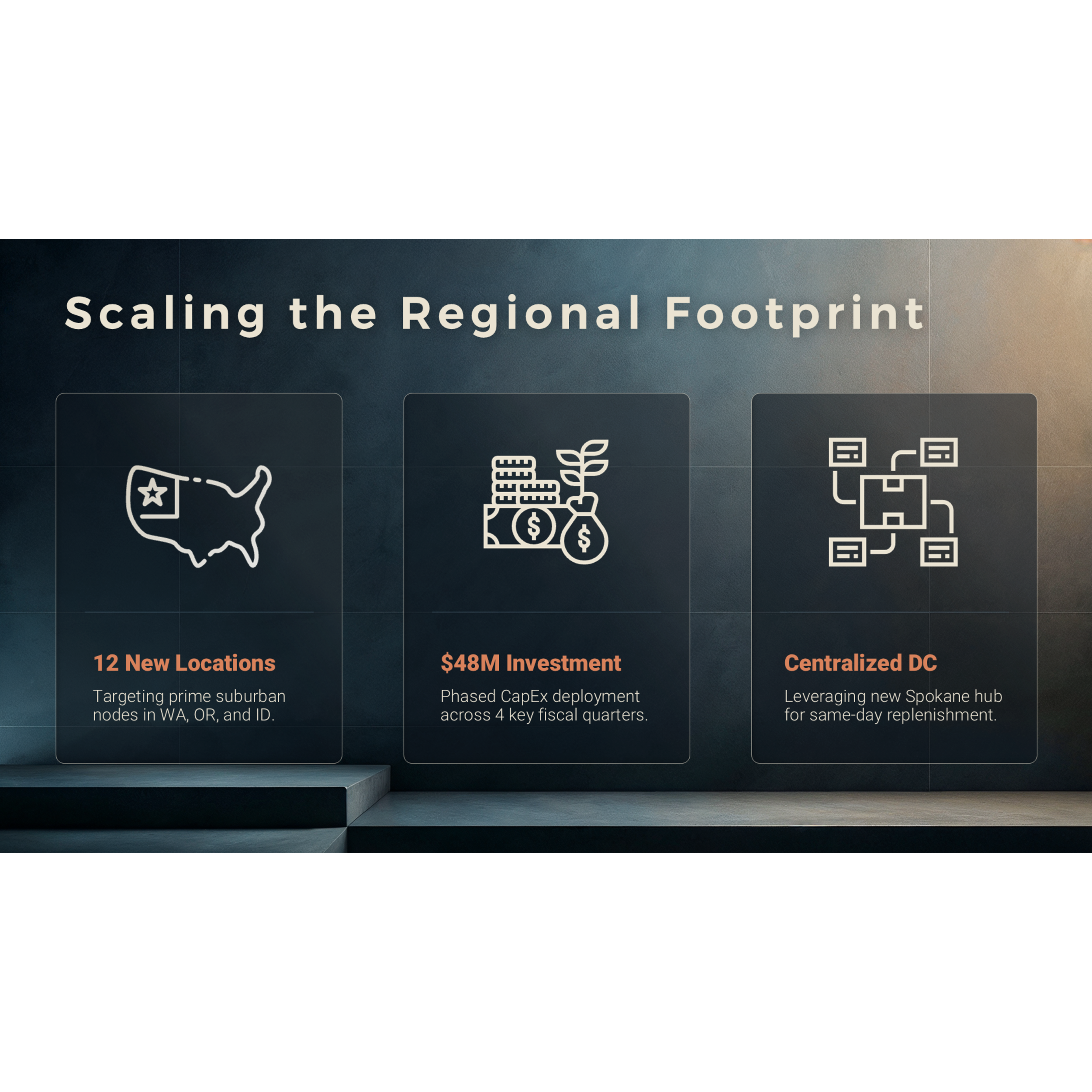

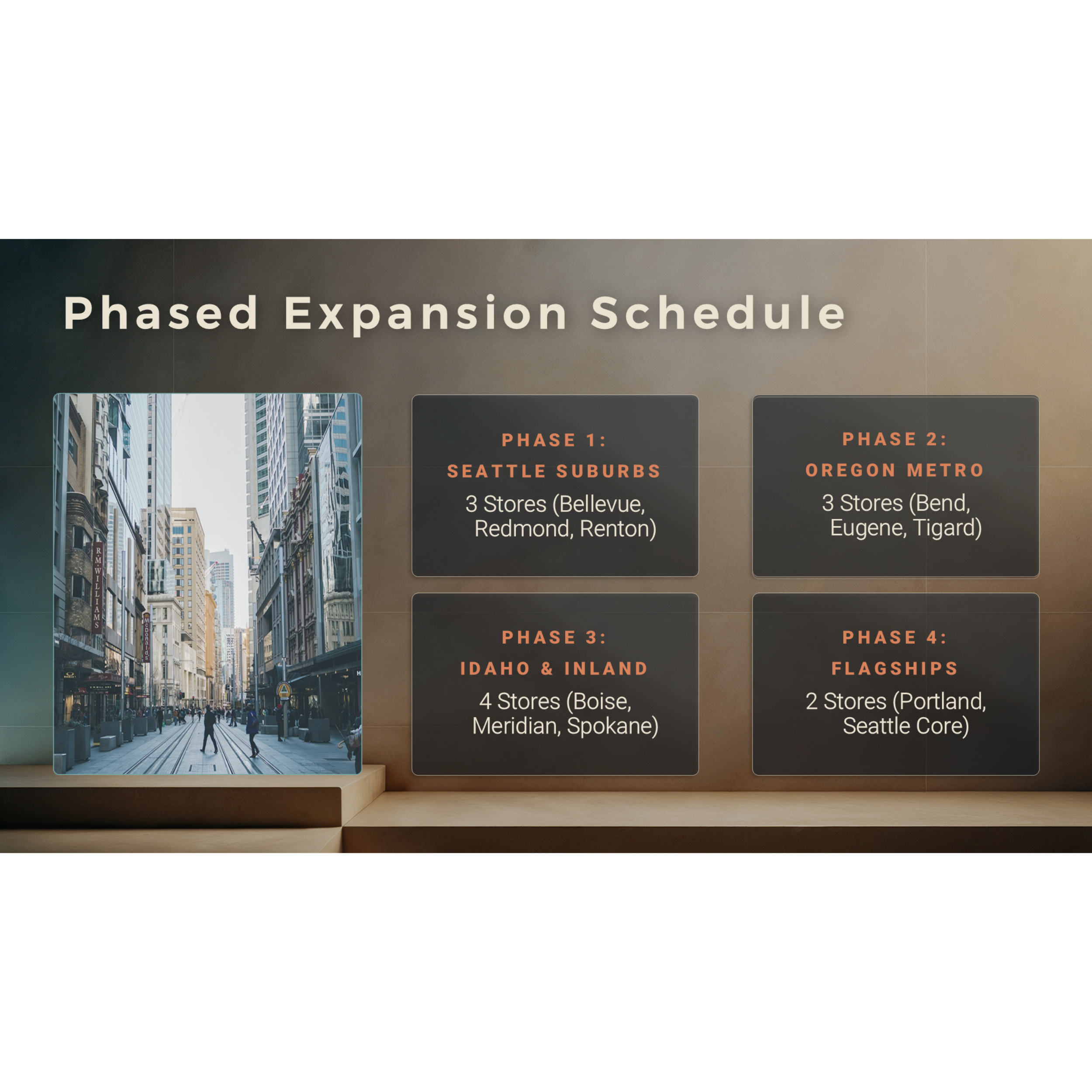

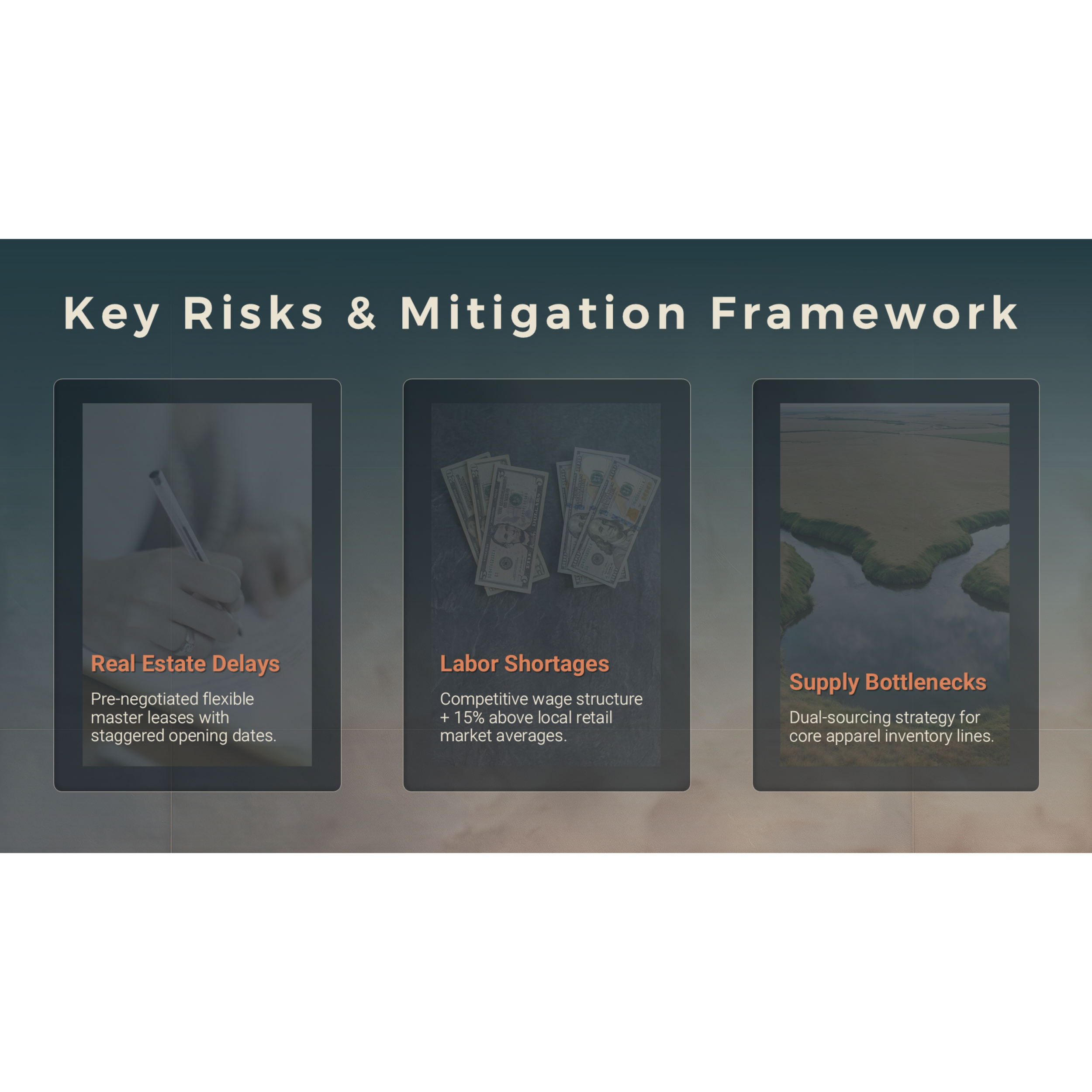

Elevate your pitch, financial forecast, or strategic expansion plan with STAGES — a high-impact presentation template designed to put your content center stage (pun intended). Built with a rich dark slate color palette, subtle “steps” or “levels” integrated into key backgrounds, and clean modern typography, this template delivers an architectural, executive aesthetic that commands attention while remaining warm and approachable.
Whether you are presenting to the board, pitching investors, or detailing a regional growth blueprint, this template can accommodate your topic! Industries like construction, real estate, engineering, finance, logistics, and executive consulting can struggle to find designs that align with their serious subject matter — often forced to choose between overly sterile corporate decks and trendy templates that lack authority. This template directly solves that design problem.
Key features include:
12 Fully Designed Example Slides: Demonstrating the aesthetic and providing inspiration for your presentation design.
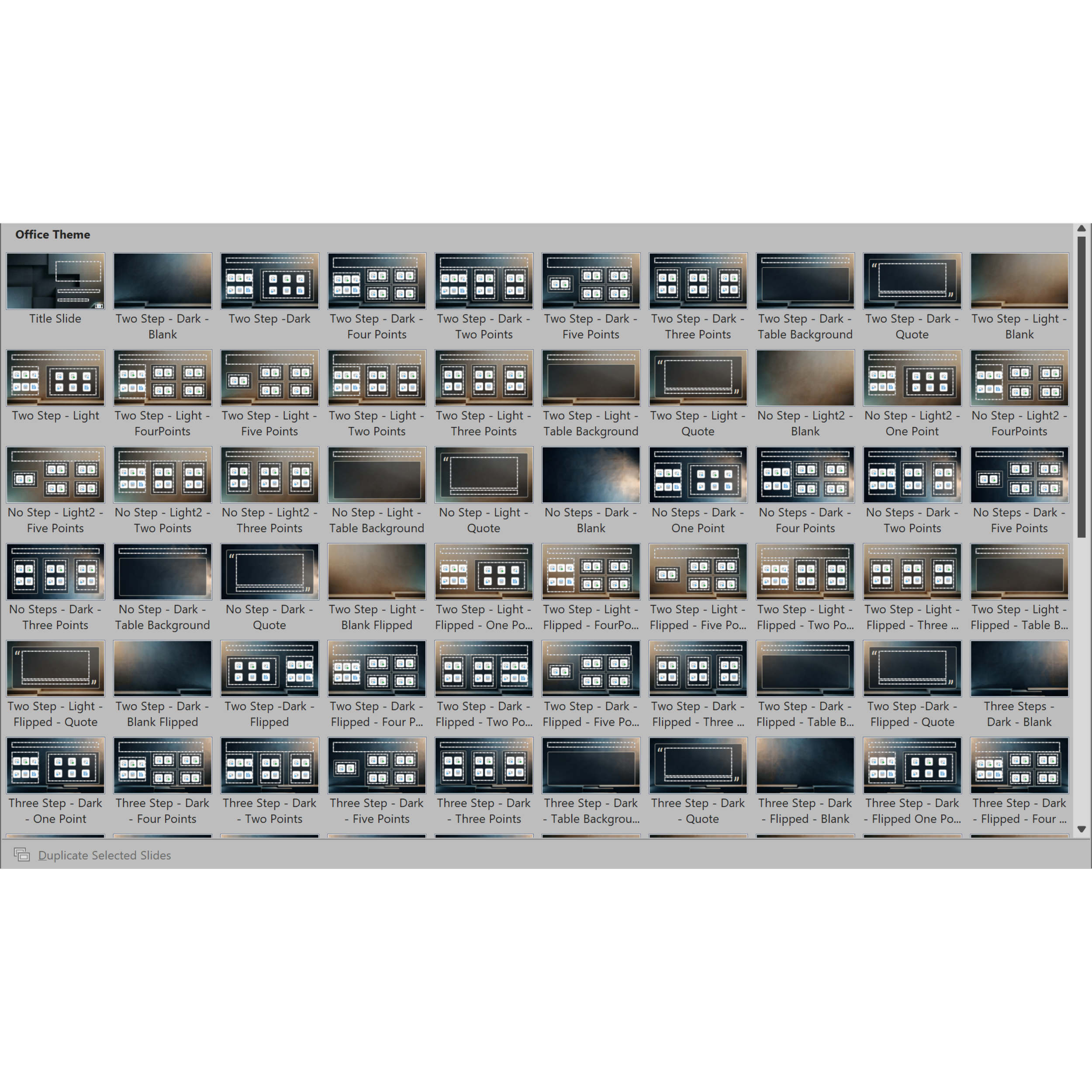
100+ Layouts to Choose From: Numerous options to fit any content narrative without having to design from scratch.
15 Premium Custom Backgrounds: High-texture, architectural dark slate and metallic gradient options that set a sophisticated, premium mood.
8 Layout Variations per Background: Seamlessly maintain visual consistency across text slides, data visualizations, image grids, and quote callouts.
Dedicated Title Slide & Contact Slide Designs: Beginning and ending slides that ground the deck and leave a lasting professional impression.
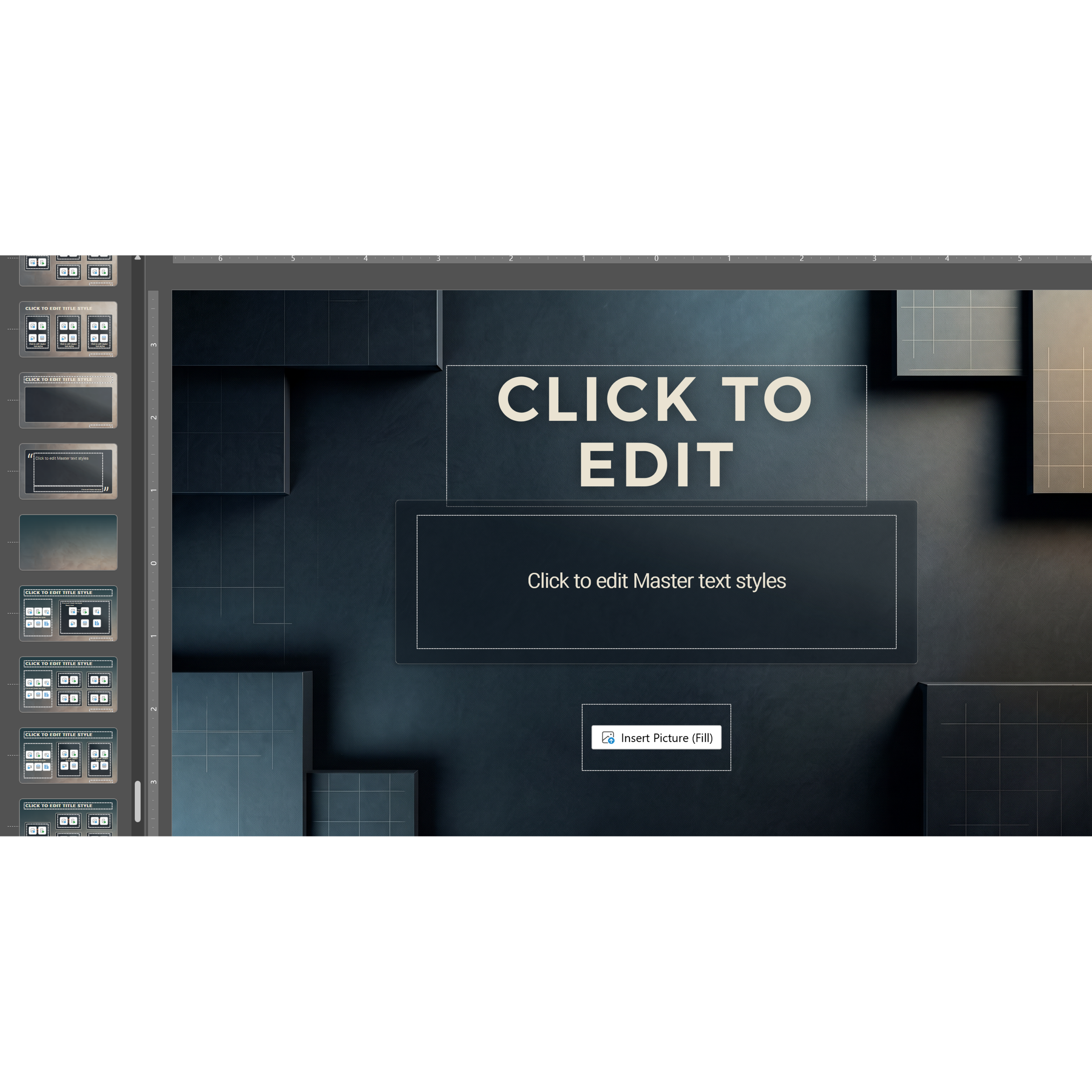
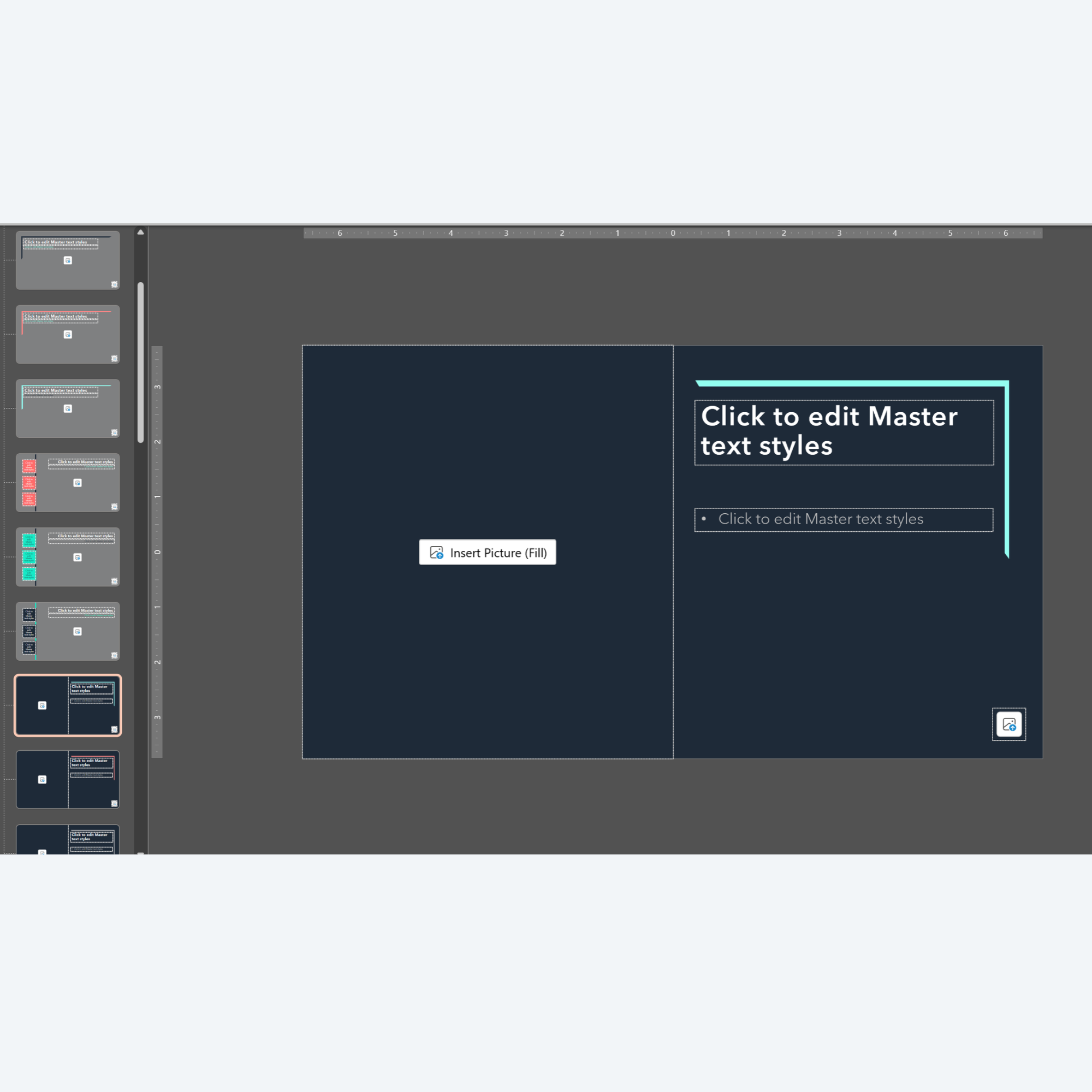
Plug-and-Play: Built using native slide master placeholders so anyone can use this template.
Optional Animations & Transitions Version: Featuring a pre-configured option with subtle, smooth animations and consistent reveal transitions to keep your audience engaged, but not distracted.
Designed for High-Stakes Industries
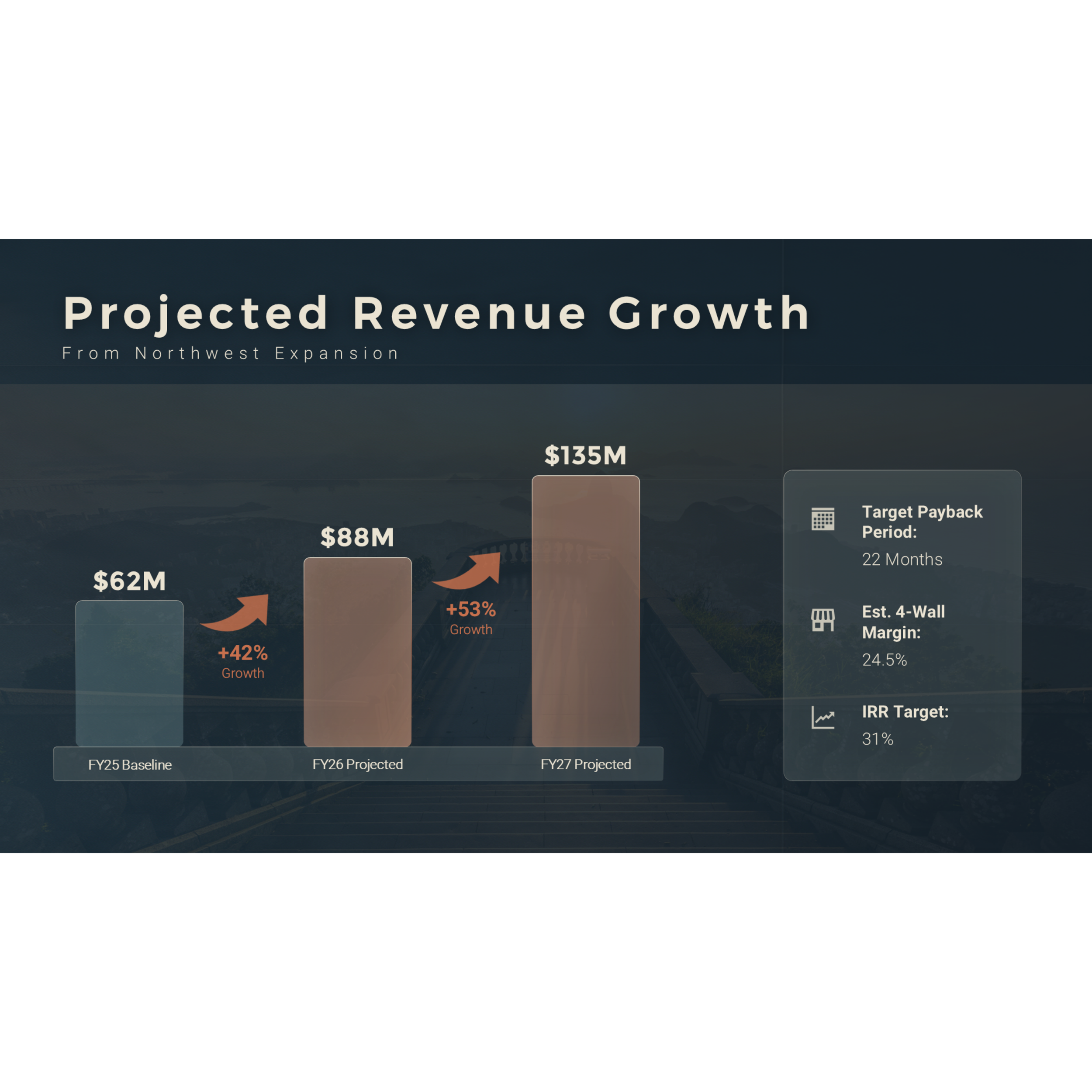
Corporate templates often feel generic and sterile. STAGES uses a carefully calibrated dark mode aesthetic that elicits a strong, timeless mood with strong contrast for data, charts, and key metrics.
Format Options: Download includes both .pptx (PowerPoint Presentation) and .potx (PowerPoint Template) formats for safe, repeated team use.
Fully Editable: Access any vector, shape, or text placeholder in the Slide Master view to completely change the element. Adjust colors, fonts, and charts as needed.
How to Use This Template
In “Normal” view, click “New Slide” and select a layout from the various options.
Click into each placeholder and type or insert your content.
Make sizing adjustments as needed.
Pro Tip: Use Crop>Fill to make images fit better into placeholders and zoom in/out to showcase the parts of the image you want to have focus.
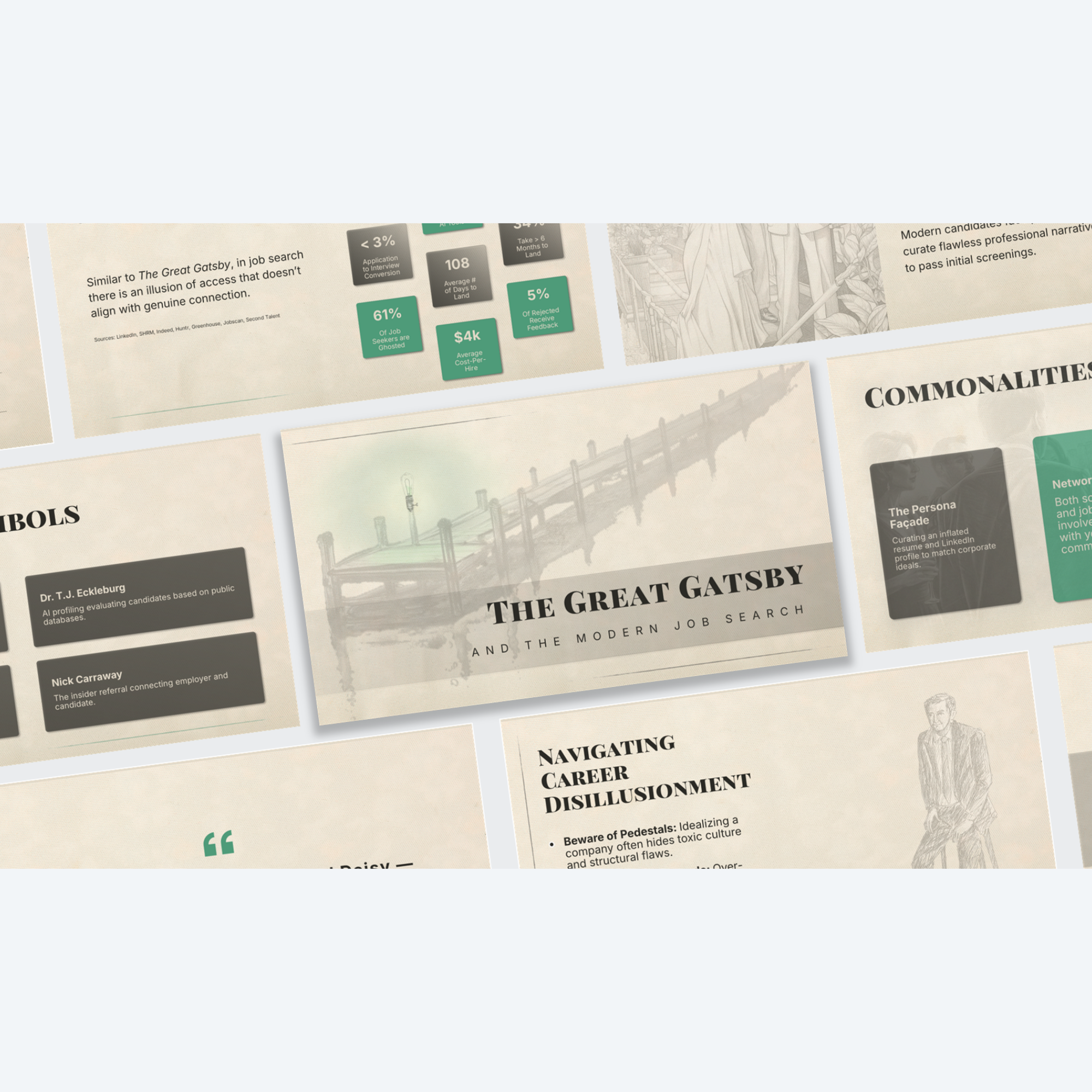

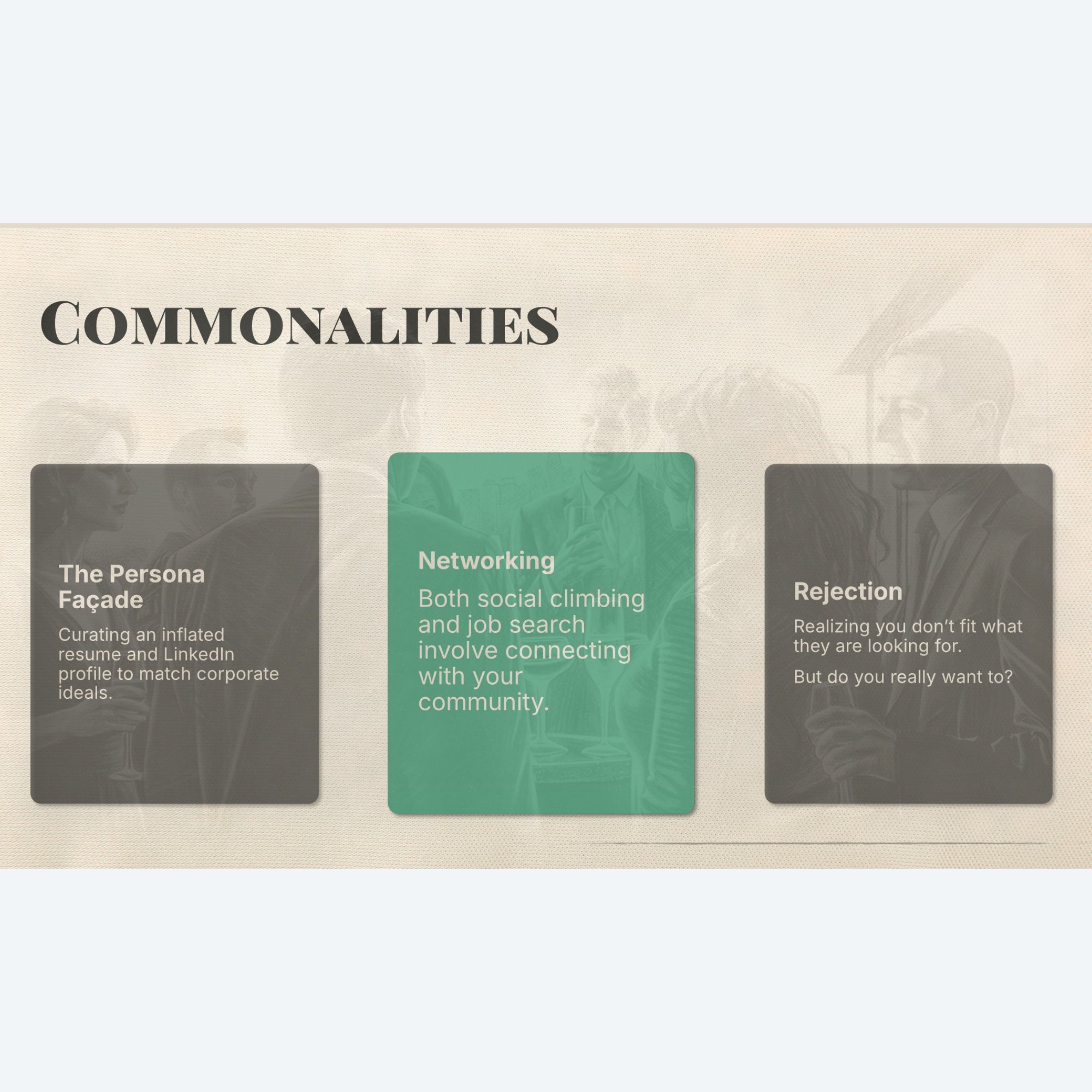
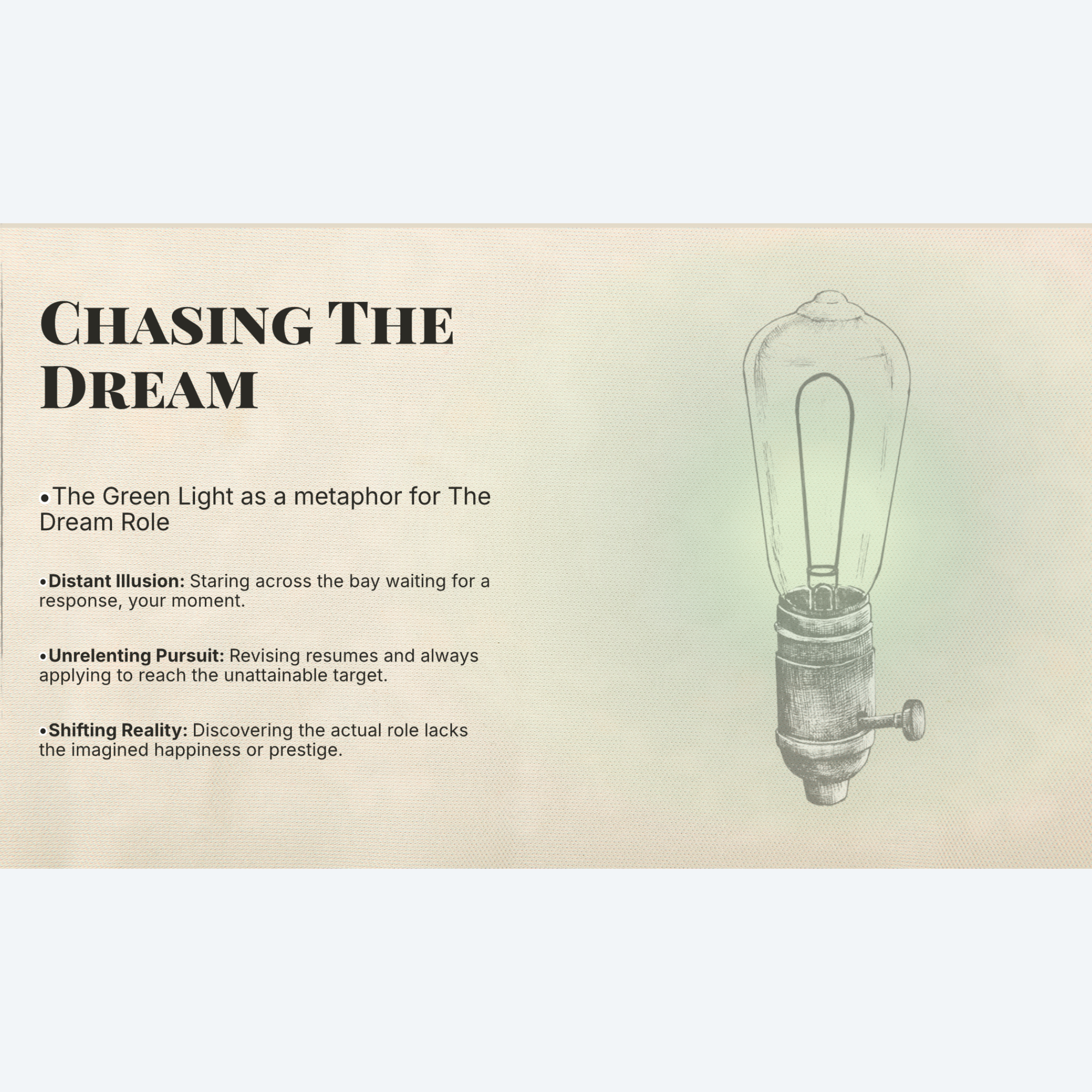
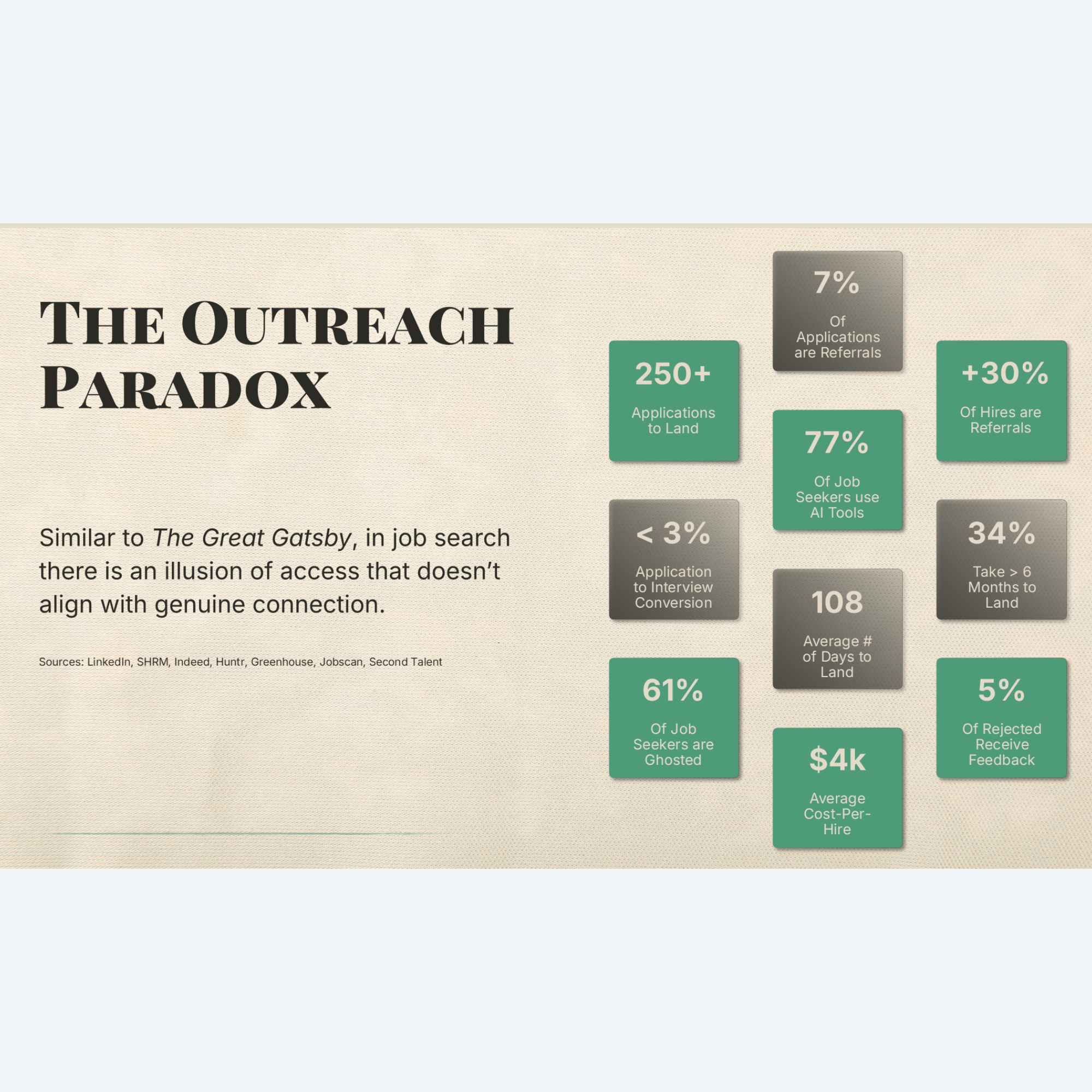
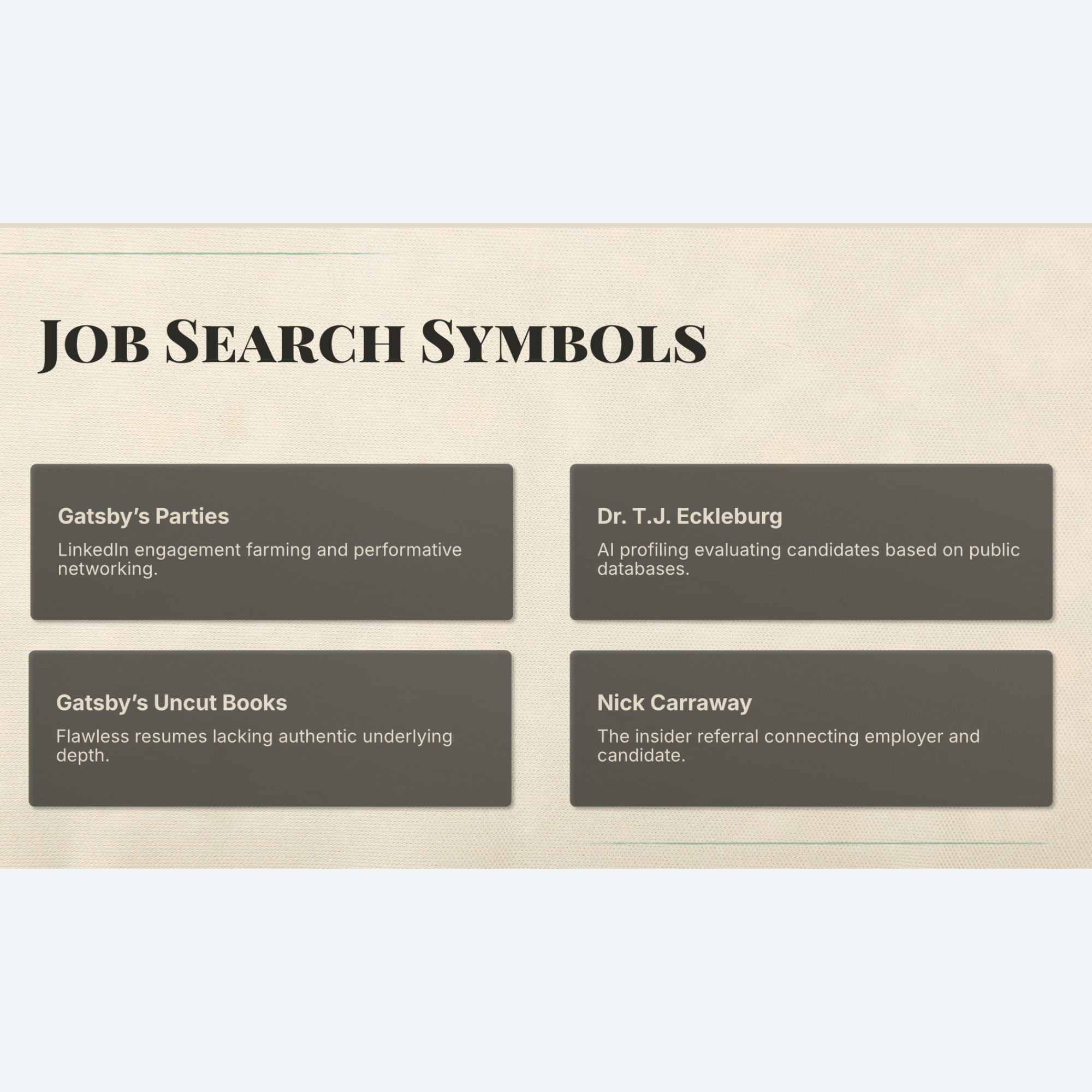
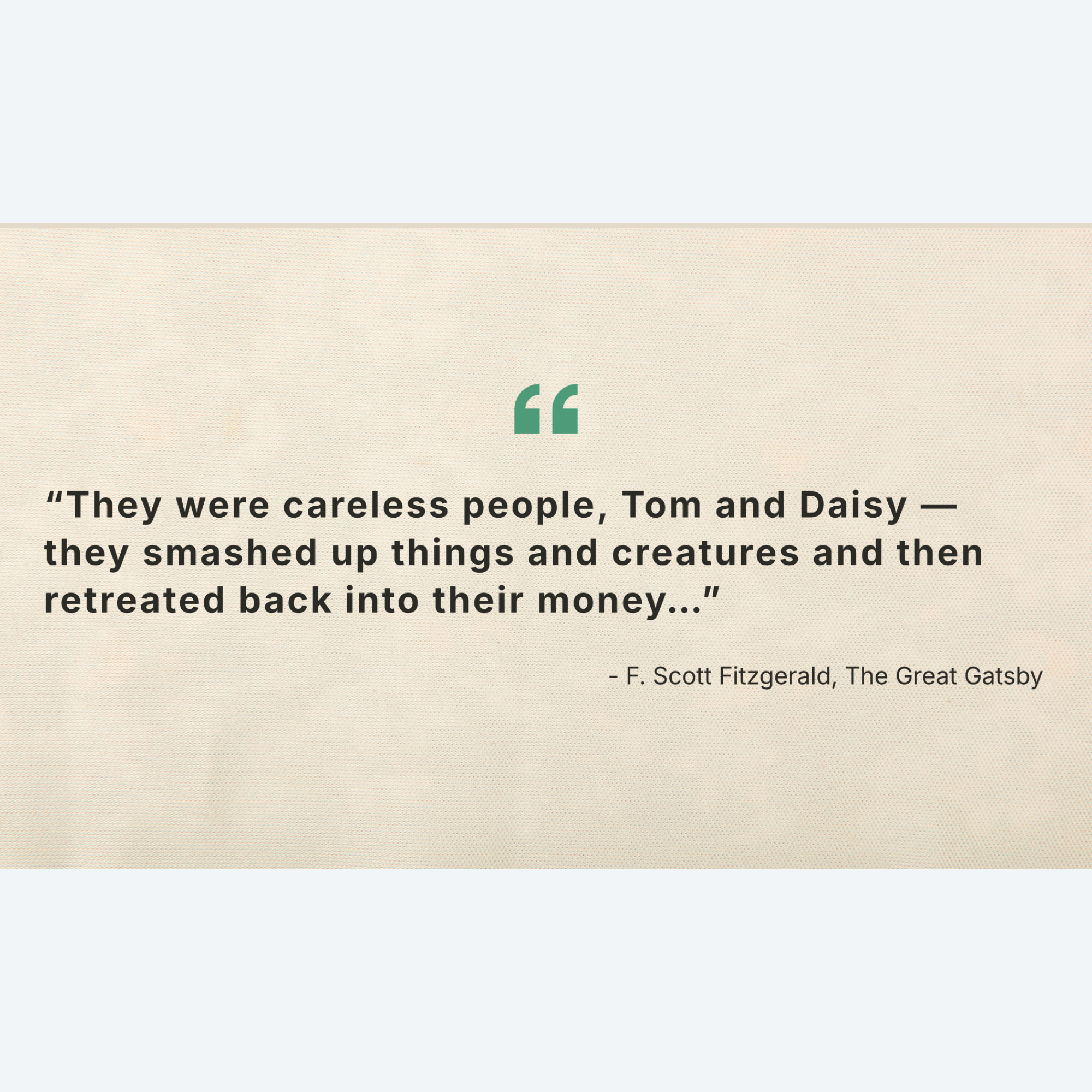


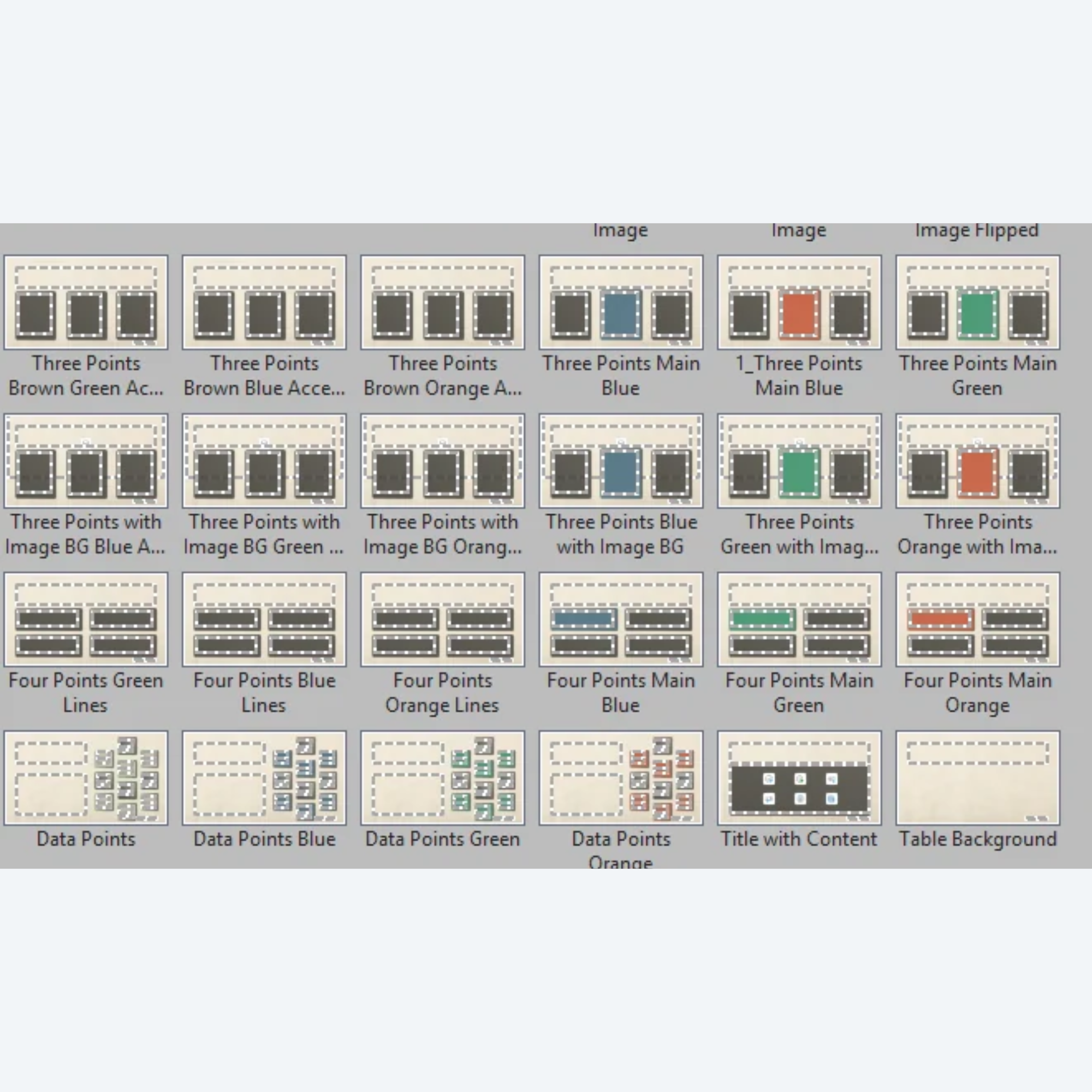
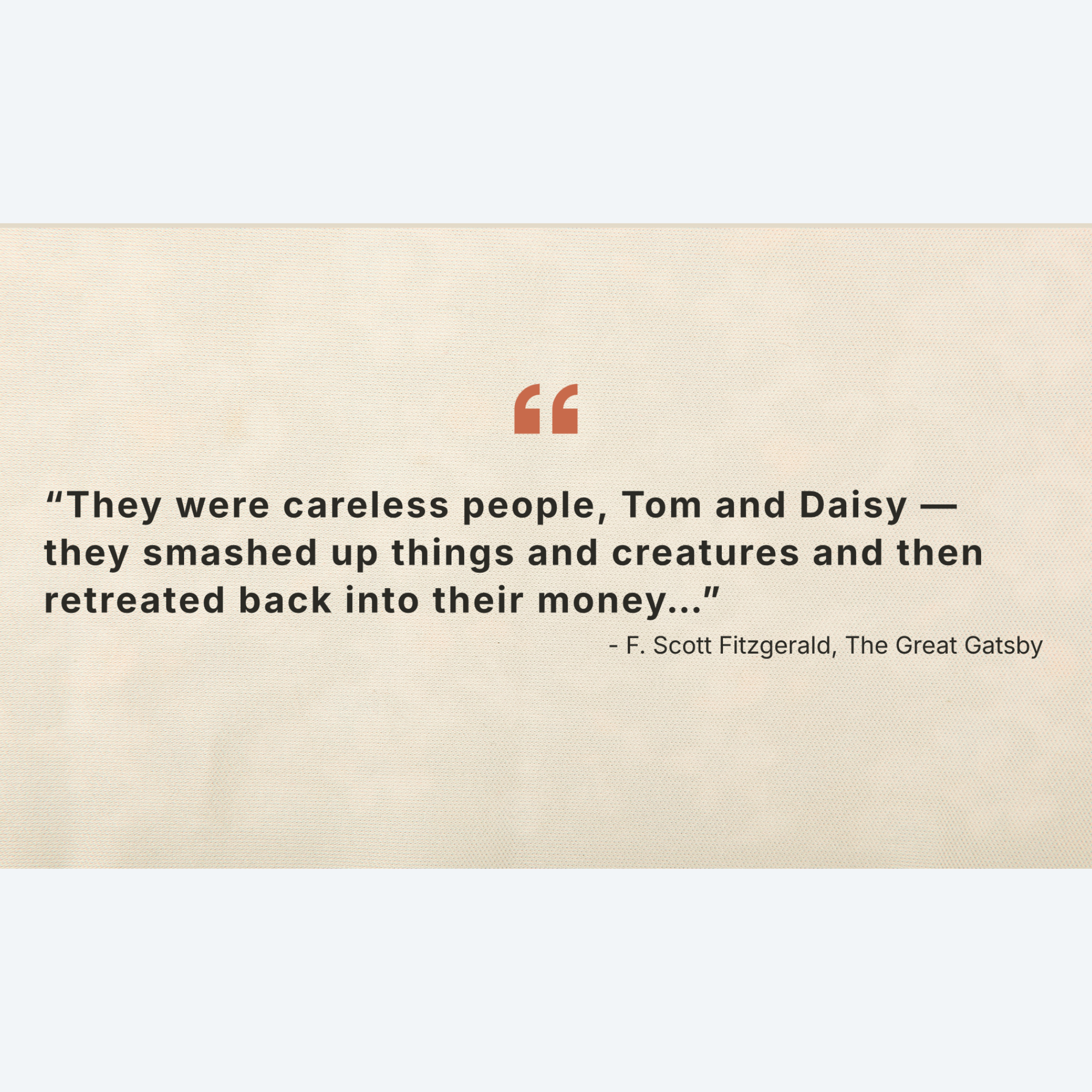
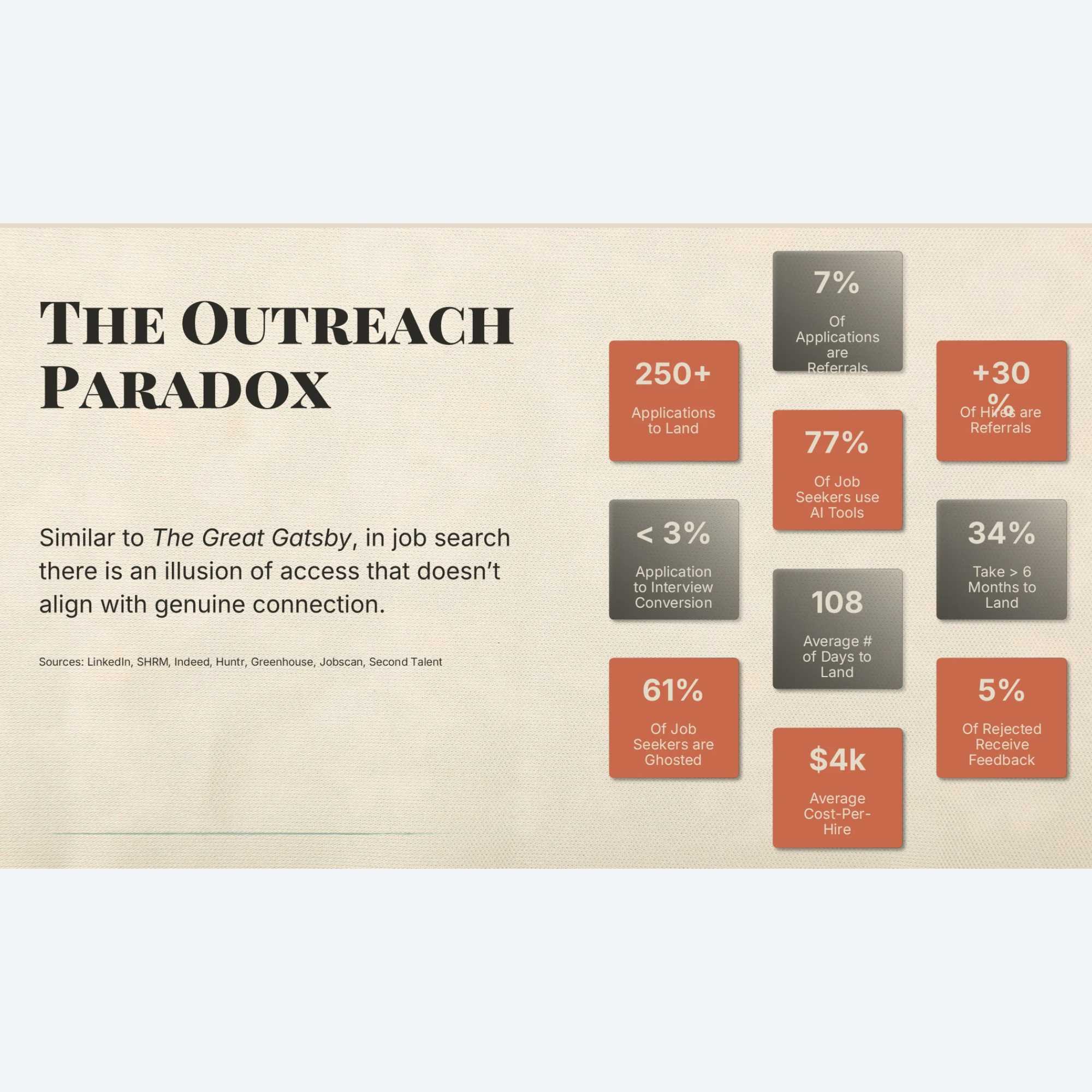
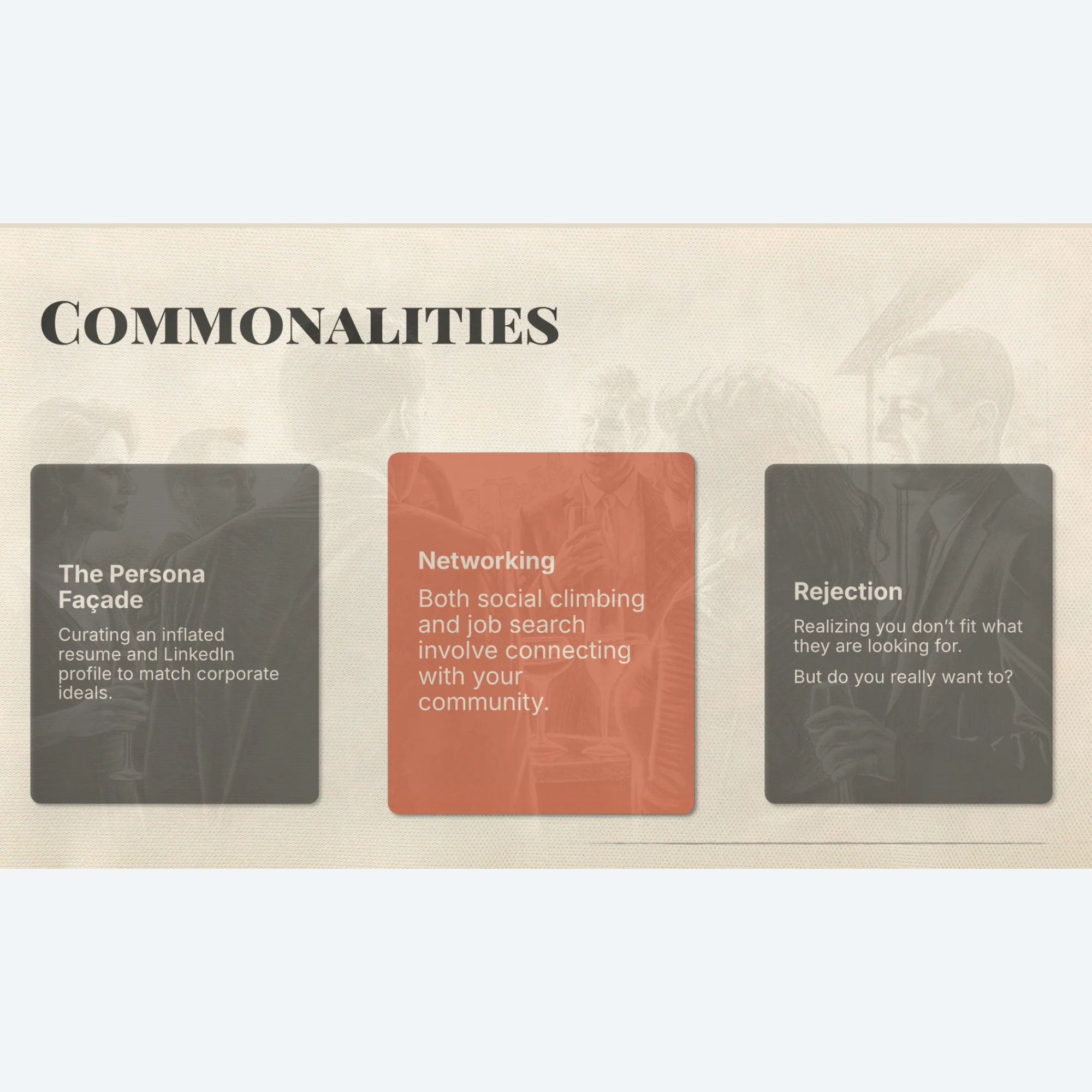
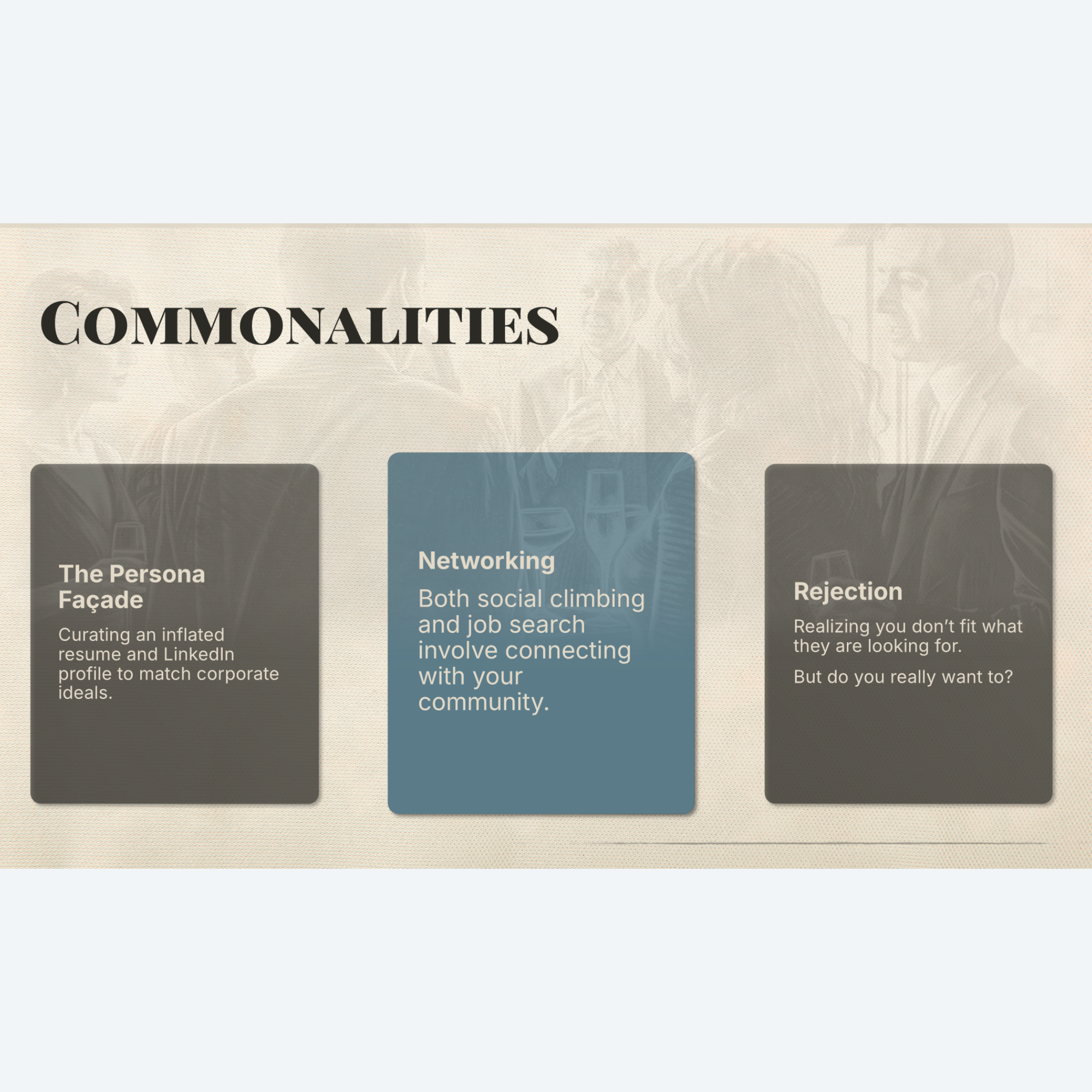
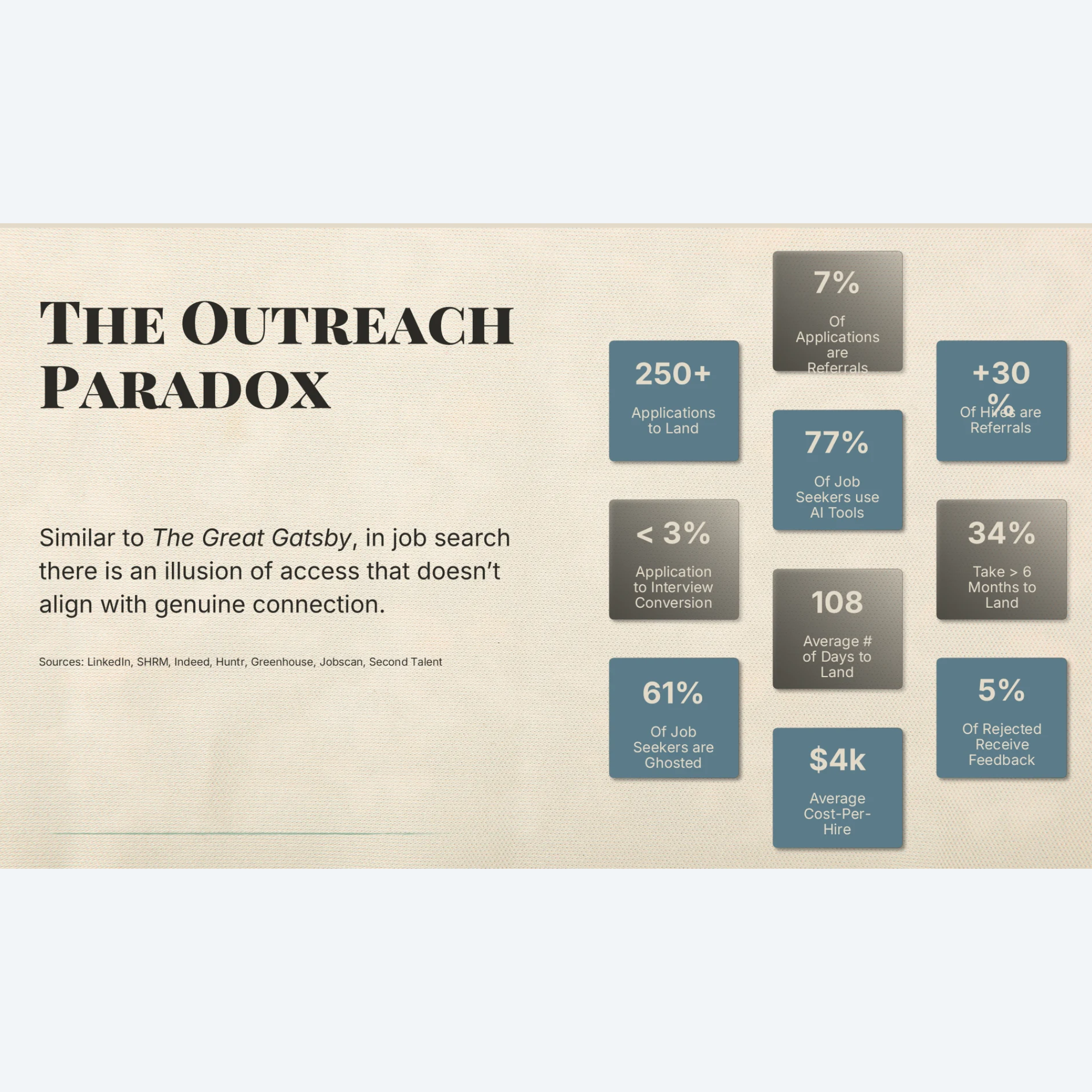
Bring a sophisticated warmth to your next conference presentation, webinar, company update, or pitch deck with the soft, artistic aesthetic of SKETCHES. Designed with an editorial eye, this unique template combines organic hand-drawn sketch art with clean, modern typography to deliver a tactile, high-end experience for your audience.
Key features include:
35+ Layouts to Choose From: Numerous options to fit any content narrative without having to design from scratch.
15 Premium Custom Backgrounds: Built on a soft parchment background this template effortlessly showcases delicate charcoal and ink illustrations across 15 different background options.
3 Color Options: Slides are available with your choice of colors, including Graphite Espresso (brown), Jade Beacon (green), Steel Harbor (blue), or Muted Ochre (orange) elements. Mix and match for a bolder, more customized look.
Dedicated Title Slide & Contact Slide Designs: Beginning and ending slides that ground the deck and leave a lasting professional impression.
Plug-and-Play: Built using native slide master placeholders so anyone can use this template.
Optional Animations & Transitions Version: Featuring a pre-configured option with subtle, smooth animations and consistent fade transitions to keep your audience engaged, but not distracted.
Format Options: Download includes both .pptx (PowerPoint Presentation) and .potx (PowerPoint Template) formats for safe, repeated team use.
Fully Editable: Access any vector, shape, or text placeholder in the Slide Master view to completely change the element. Adjust colors, fonts, and placeholders as needed.
Extras (found at the end of the deck):
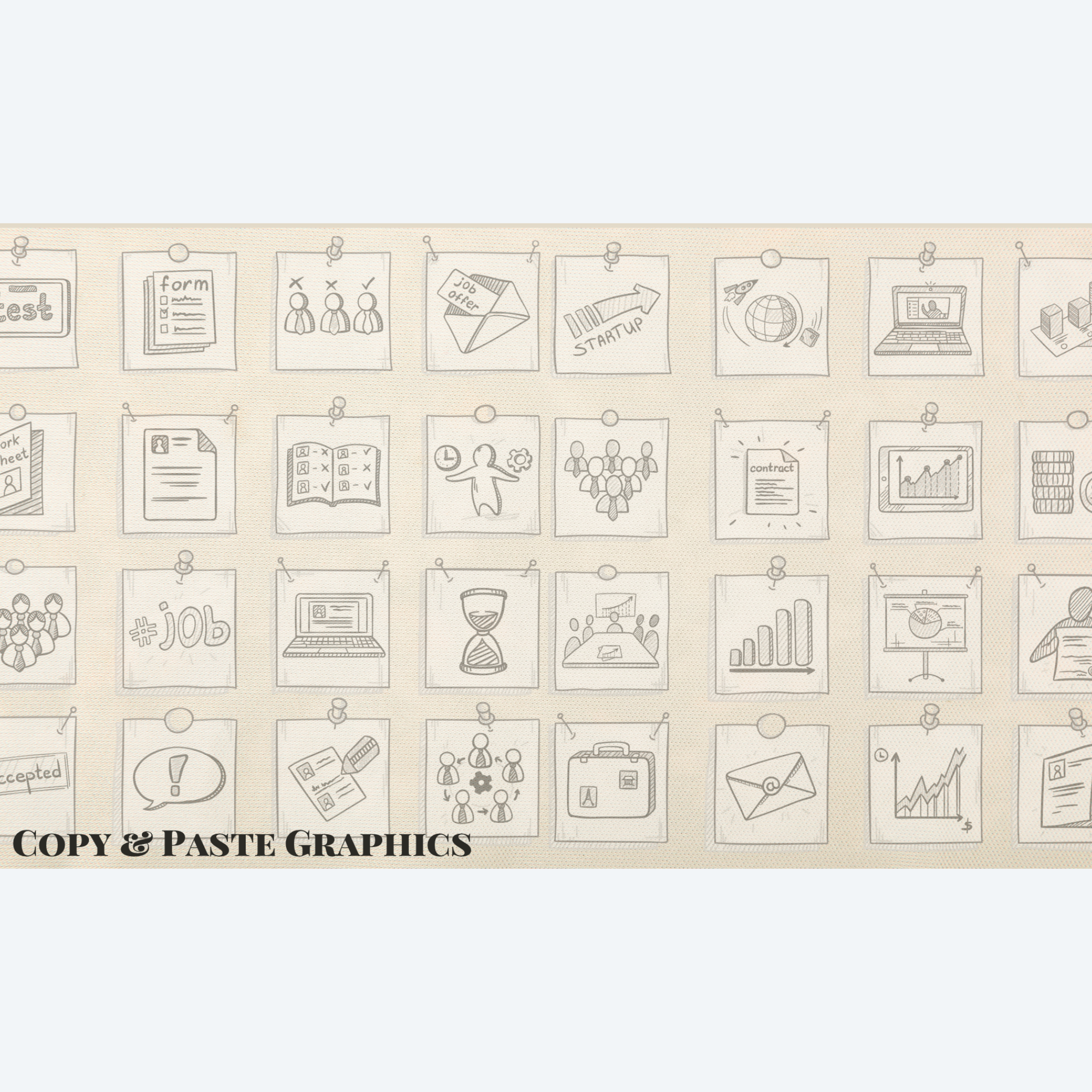
Don’t have access to stock images? At the end of this deck, you will find a hidden slide full of coordinating business sketch images that can be copied, pasted, and cropped for a consistent, well-branded look.
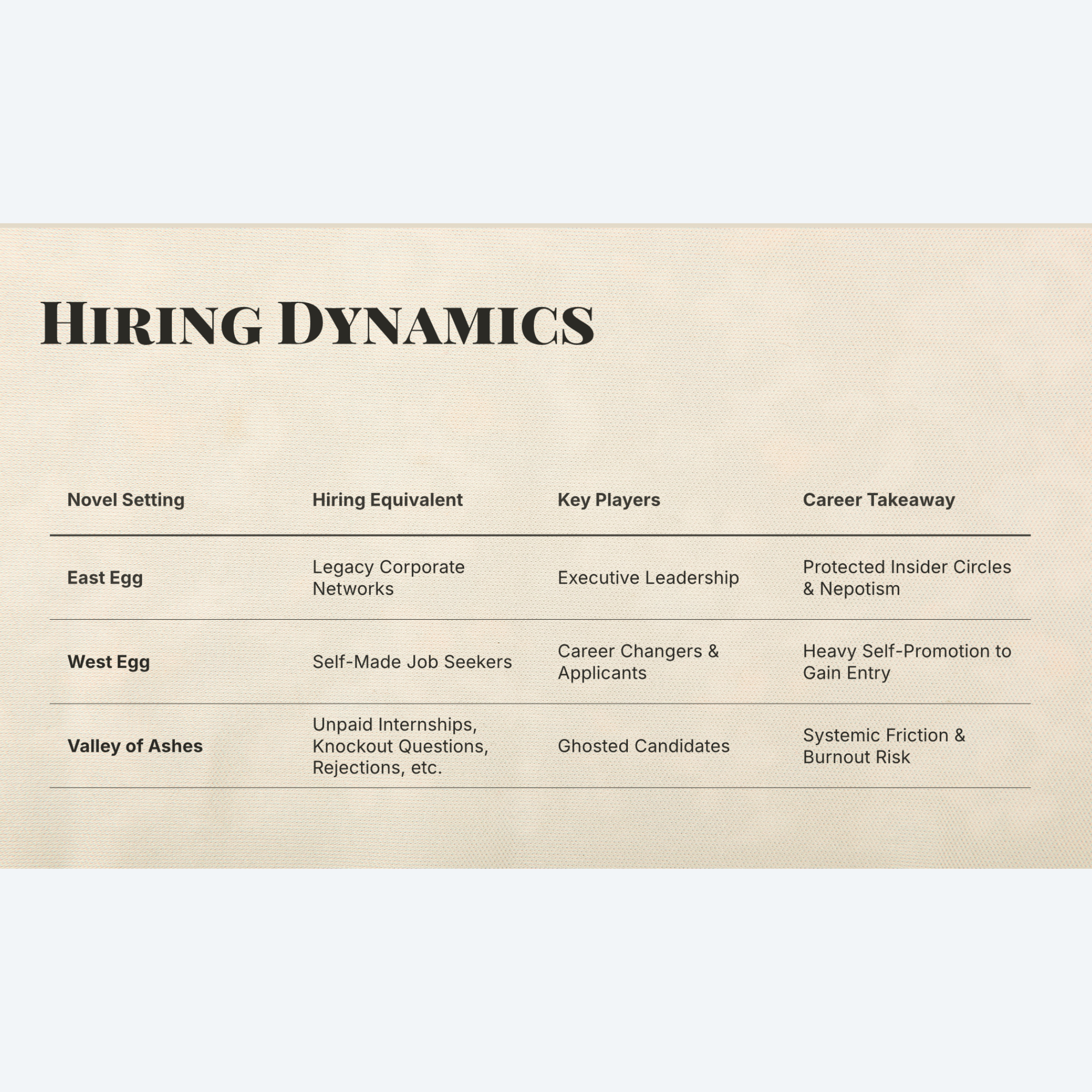
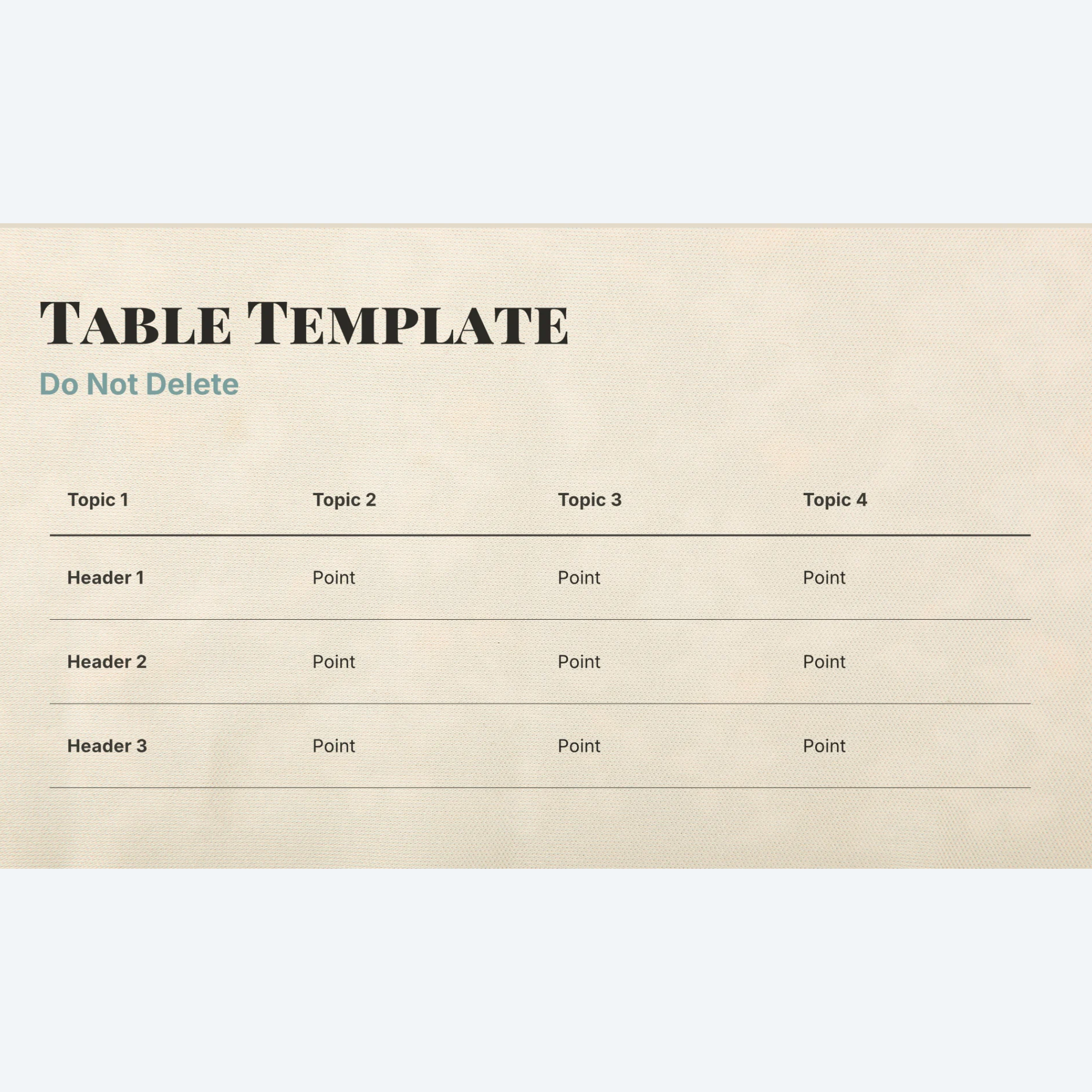
Since tables can’t be plug-and-play in a slide master design, we’ve included a pre-designed table template slide that can be duplicated and then used by typing over the placeholder text.
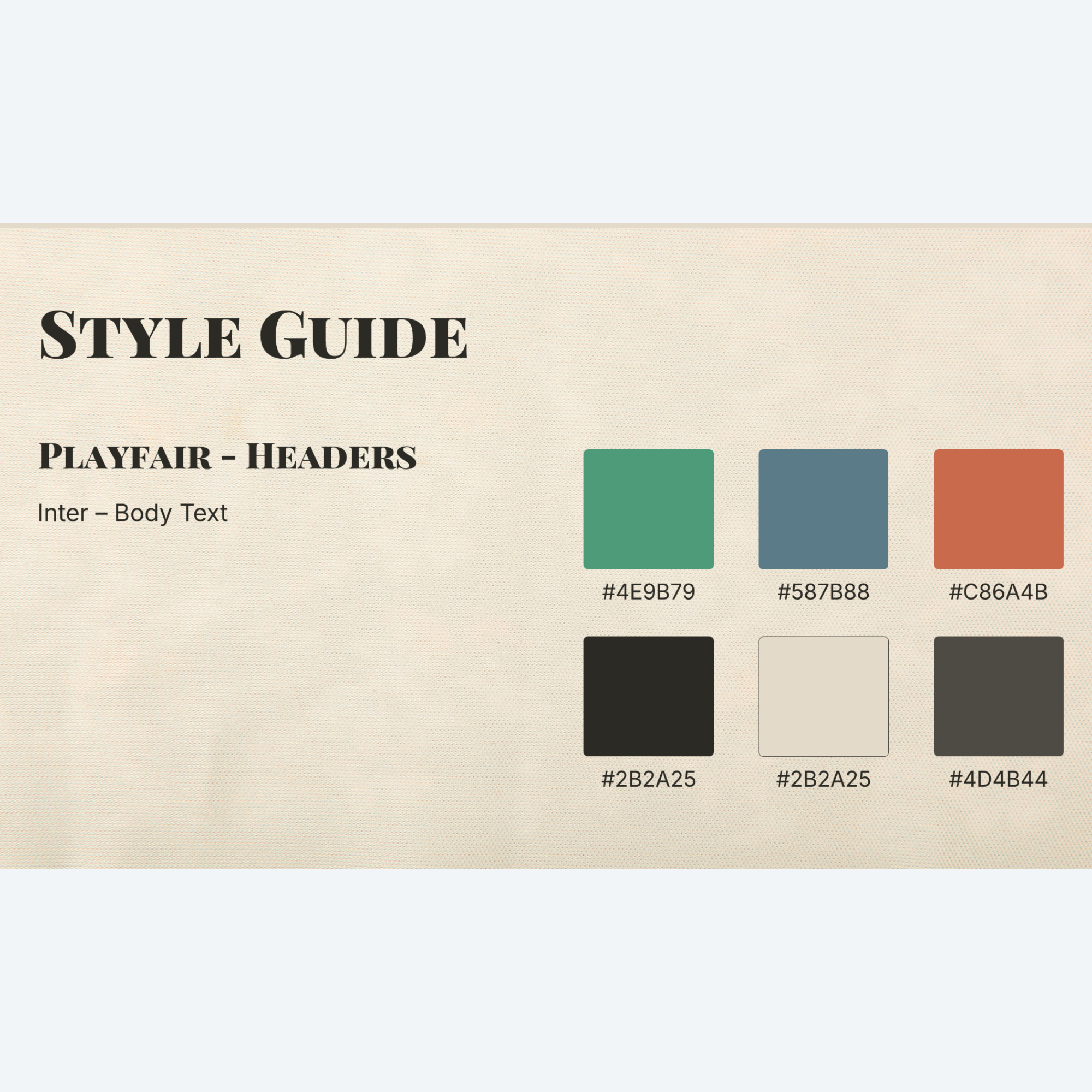
Want to adjust the design to your own visual preference? We’ve also added a style guide with the Hex values for each color option and deck fonts.
How to Use This Template
In “Normal” view, click “New Slide” and select a layout from the various options.
Click into each placeholder and type or insert your content.
Make sizing adjustments as needed.
Pro Tip: Use Crop>Fill to make images fit better into placeholders and zoom in/out to showcase the parts of the image you want to have focus.





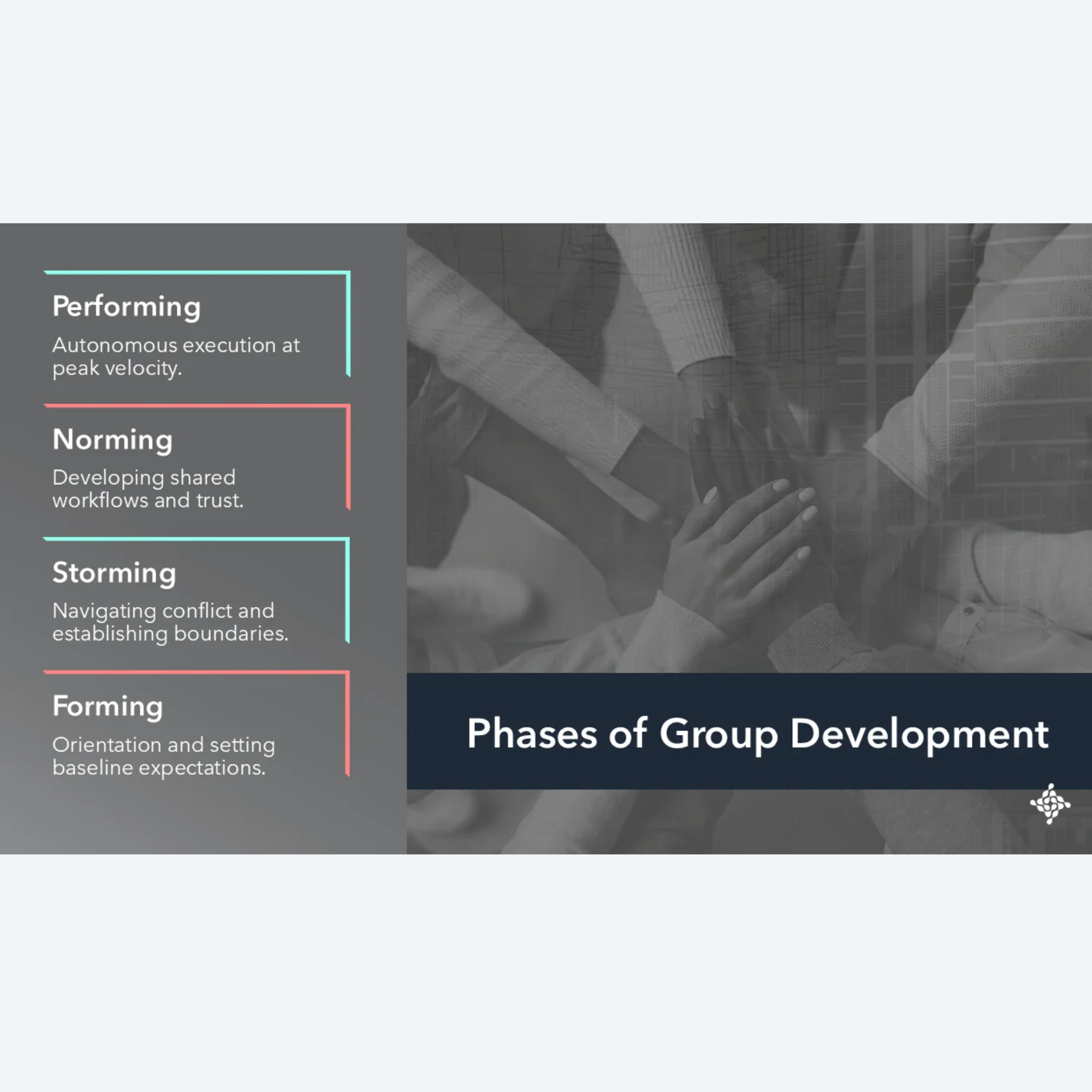
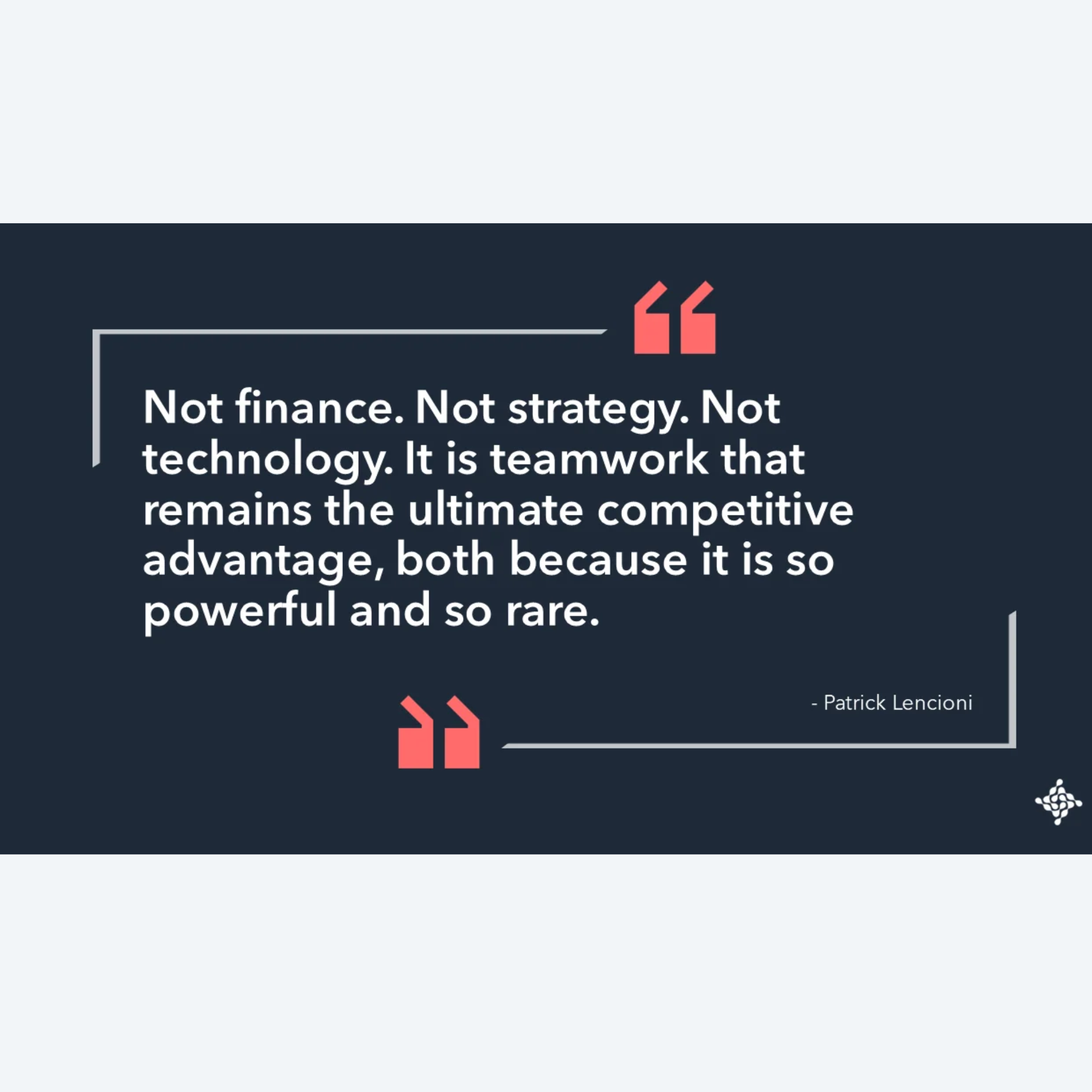
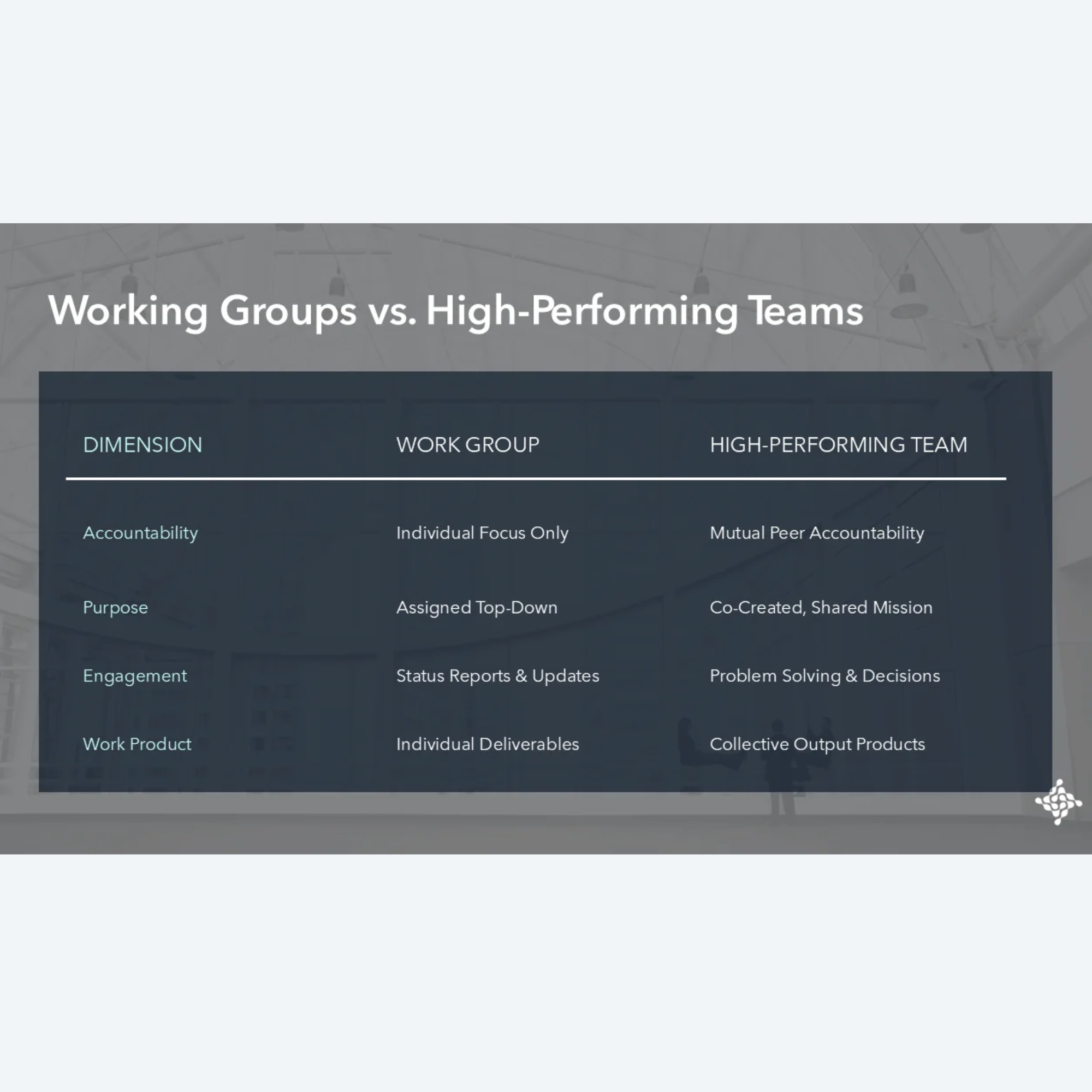
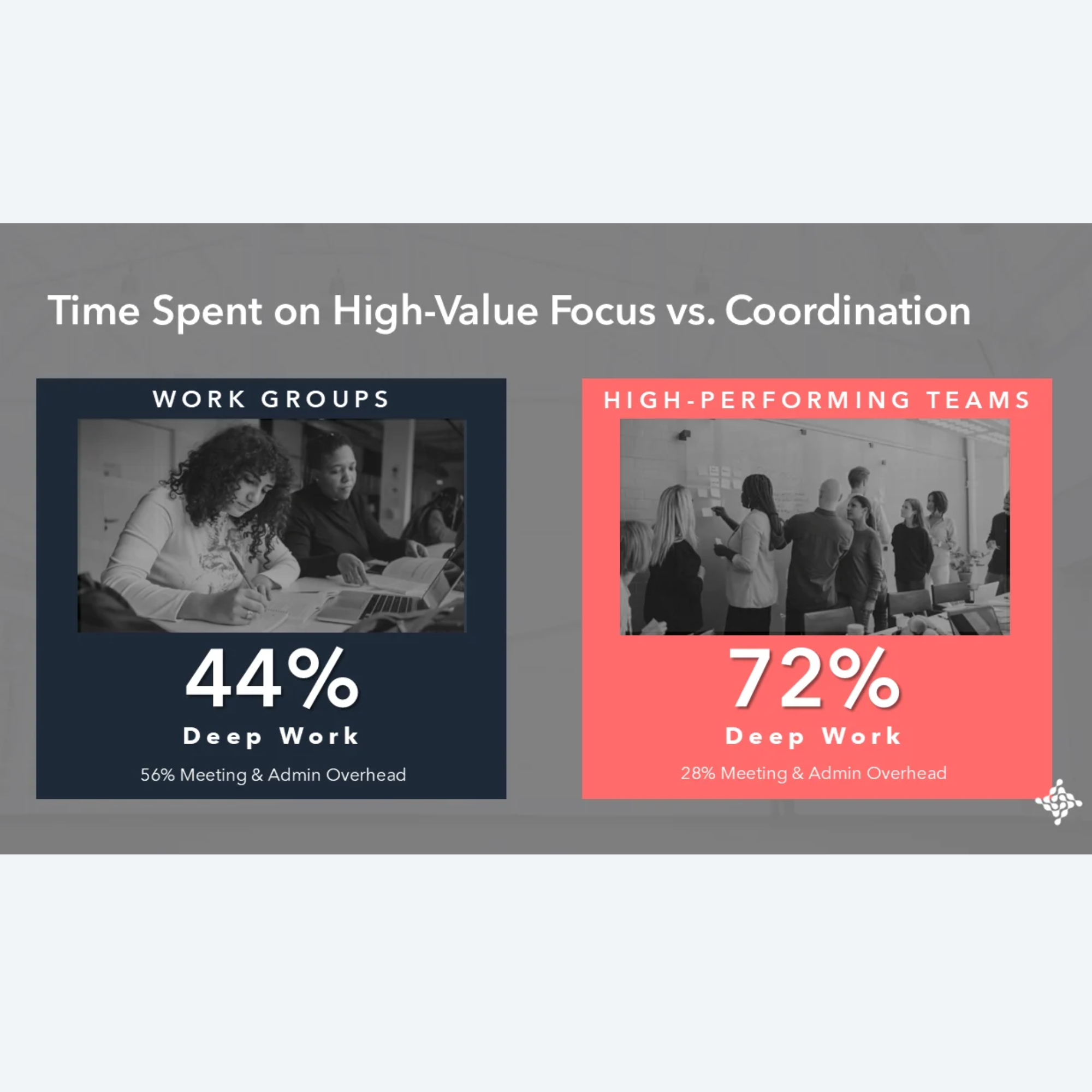
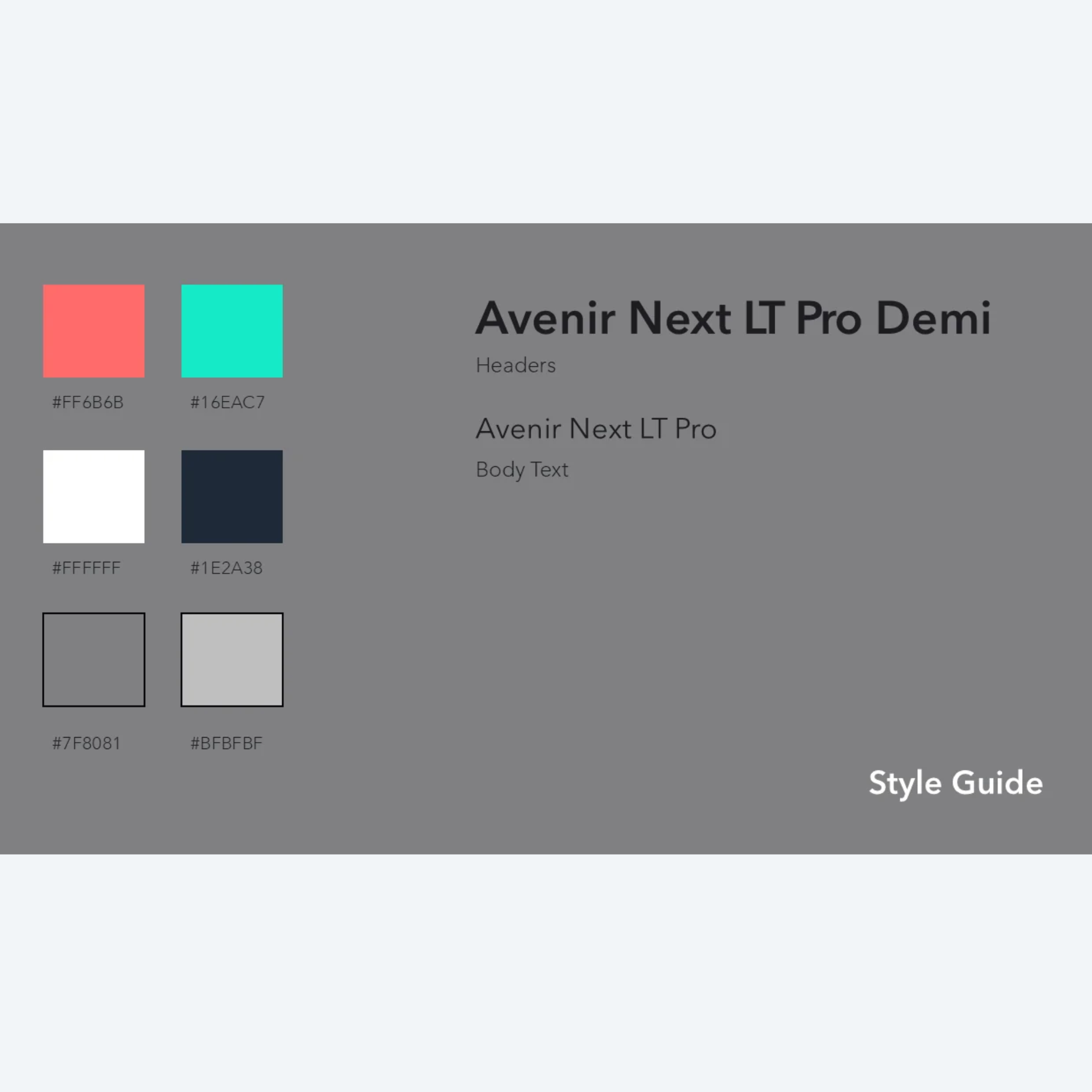
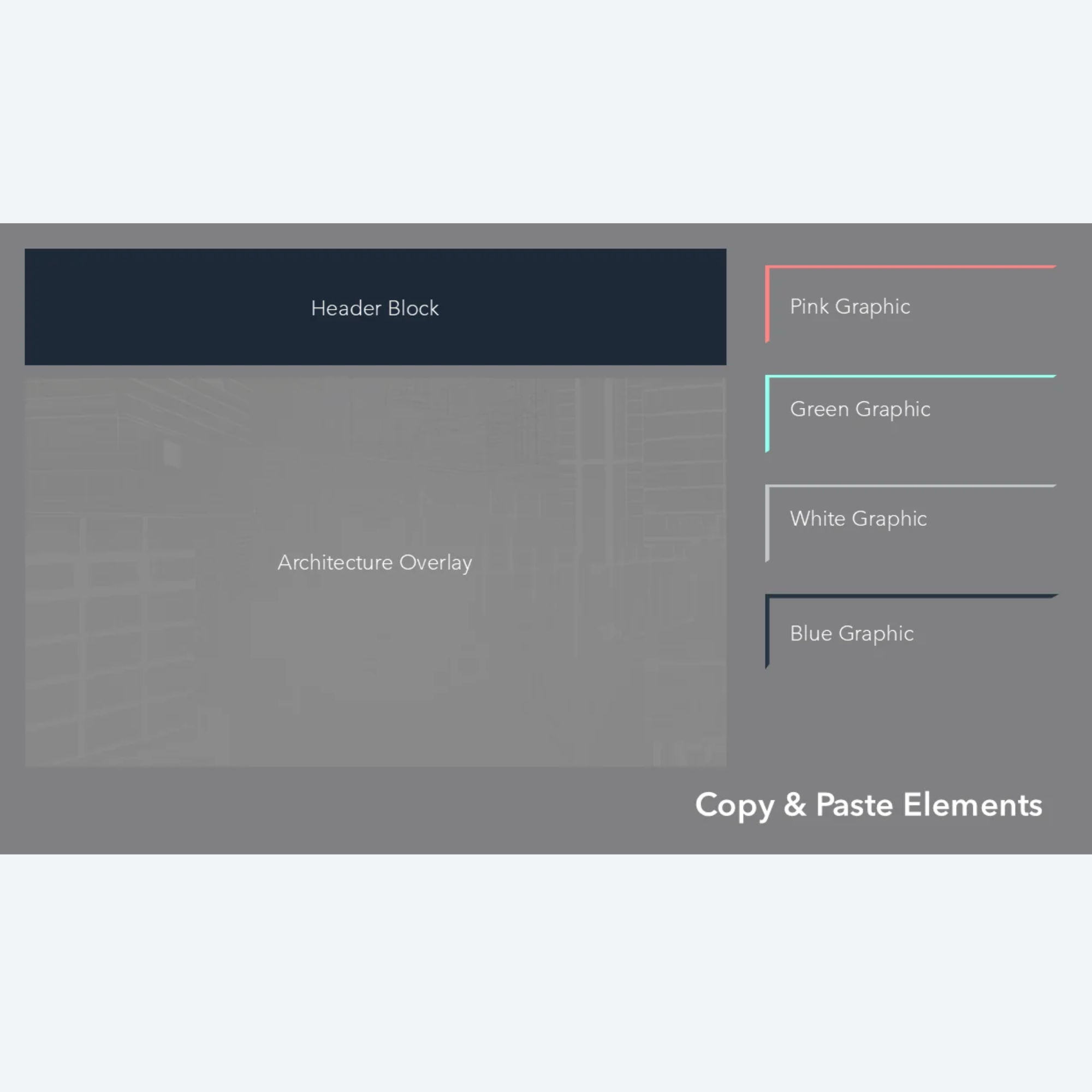
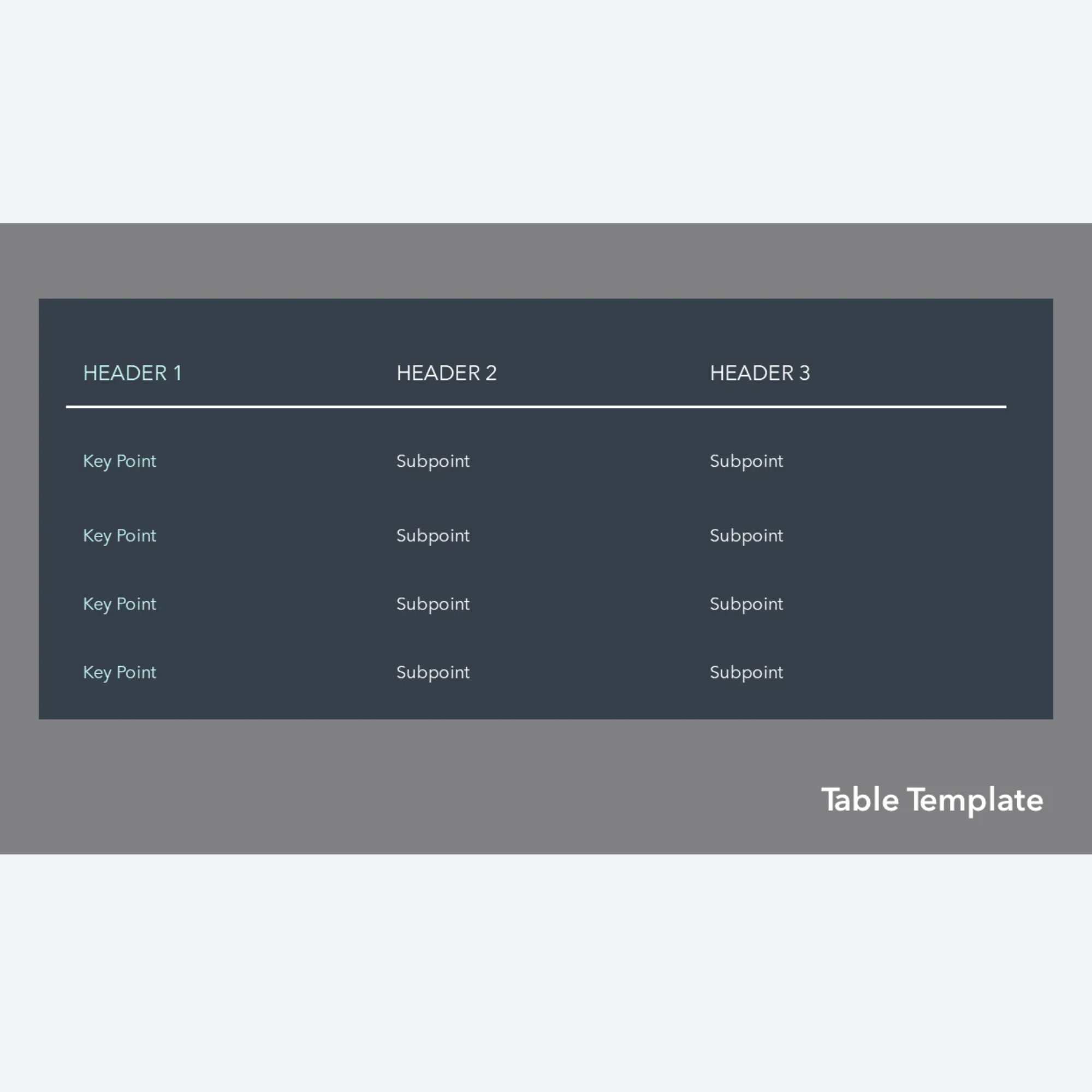
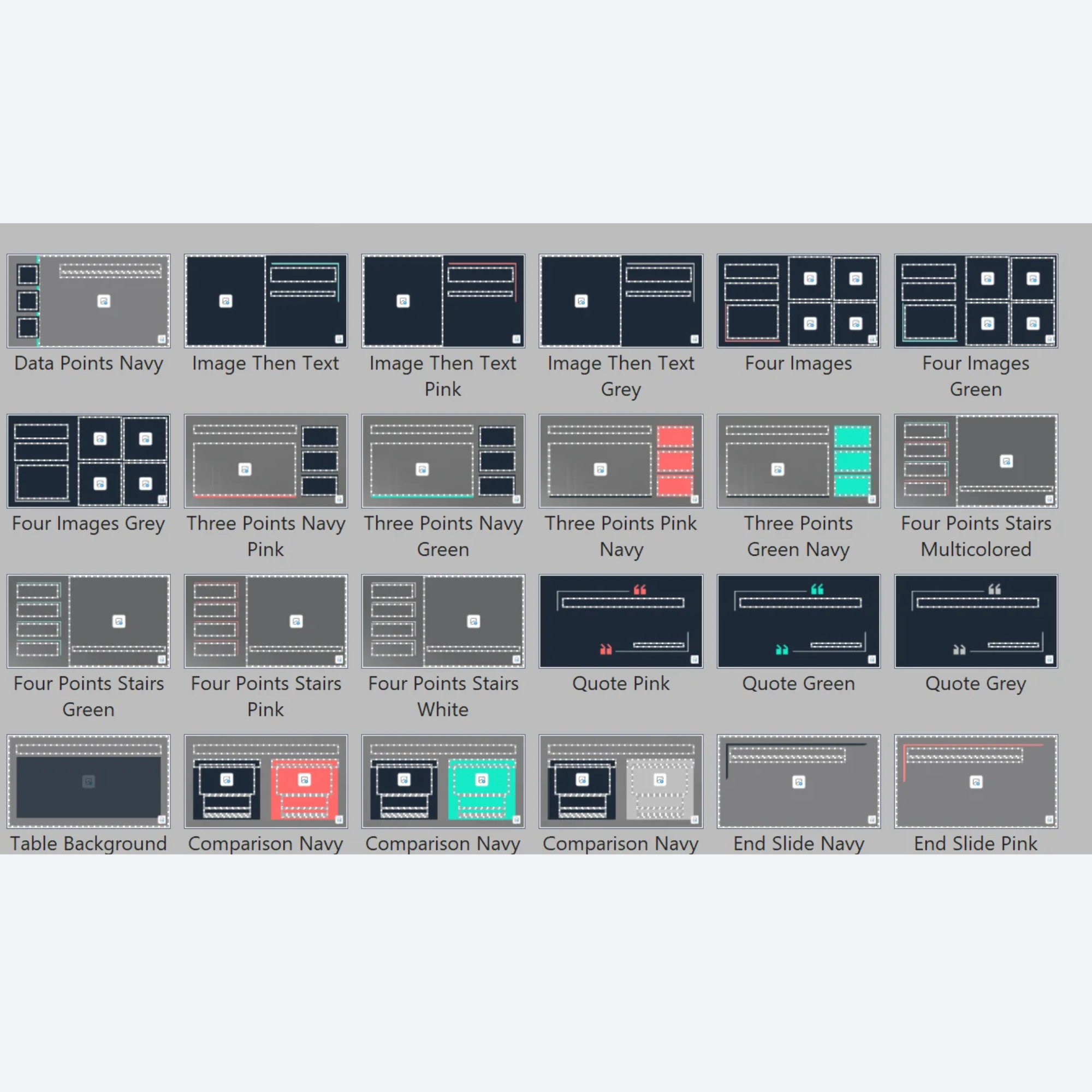
Integrate your custom content into a presentation with agency-level polish. The STATELY template is a meticulously engineered, human-centric slide deck built for leaders, consultants, and trainers who want to move beyond basic bullet points. Pairing well with sophisticated architectural double-exposure photography overlays, this template features a balanced color palette, structured layouts, and eye-catching details.
What’s included in the Zip Folder:
Fully Editable PowerPoint File: Includes 10 professionally designed, content-ready slides (or example slides, if you want to add your own images).
Multiple Color Options per Layout: Easily adapt the deck to your visual preferences or enterprise standards.
Built-In Style Guide Slide: Quick reference for fonts and brand colors.
Copy & Paste Elements Slide: Pre-formatted text card, framing brackets, and theme overlay so you can add elements to pre-built slides or build additional customized slides, if desired.
Table Sample Slide: A clean, modern table design that can be copied/pasted and adapted for your data. Ensures table consistency throughout your presentation.
Varied Layouts: Template includes a wide variety of slide types, including a title slide, metric slides, two-point, three-point, multi-image, quote, table, and end slide layouts.
Animations & Transitions: A second file option (both .pptx and .potx) with built-in fade animations and transitions, if you want to add some movement to your presentation.
Key Technical Specs & Ease of Use:
16:9 Widescreen Format: Optimized for modern displays, virtual meetings, and projection systems.
Native Image Placeholders: Built with drag-and-drop picture containers that seamlessly integrate custom photography.
Zero External Dependencies: Built entirely with native PowerPoint shapes, styles, and clean typography.
No results match your search. Try removing a few filters.